Mobile productivity apps have transformed the modern workplace, turning your smartphone into a powerful business tool that fits in your pocket. Remote workers, busy professionals, and anyone juggling multiple projects can now access enterprise-level functionality anywhere they go.
The right mobile apps can eliminate the friction between your ideas and execution. Instead of waiting until you’re back at your desk, you can manage tasks, schedule meetings, and collaborate with teams from coffee shops, airports, or client sites. These aren’t just convenience tools—they’re productivity solutions that fundamentally change how work gets done.
This guide reveals 10 mobile apps that deliver real workplace transformation. You’ll discover essential task and project management apps that keep teams aligned across time zones. We’ll explore AI-powered meeting and communication tools that make remote collaboration feel natural. Plus, you’ll learn about focus and time management solutions that help you reclaim deep work time, even in our always-connected world.
Each app earned its spot by solving genuine workplace problems while remaining intuitive enough for daily use. Whether you’re building better habits, managing information overload, or automating repetitive tasks, these mobile productivity apps offer the features professionals actually need to work smarter and accomplish more.
Essential Task and Project Management Apps
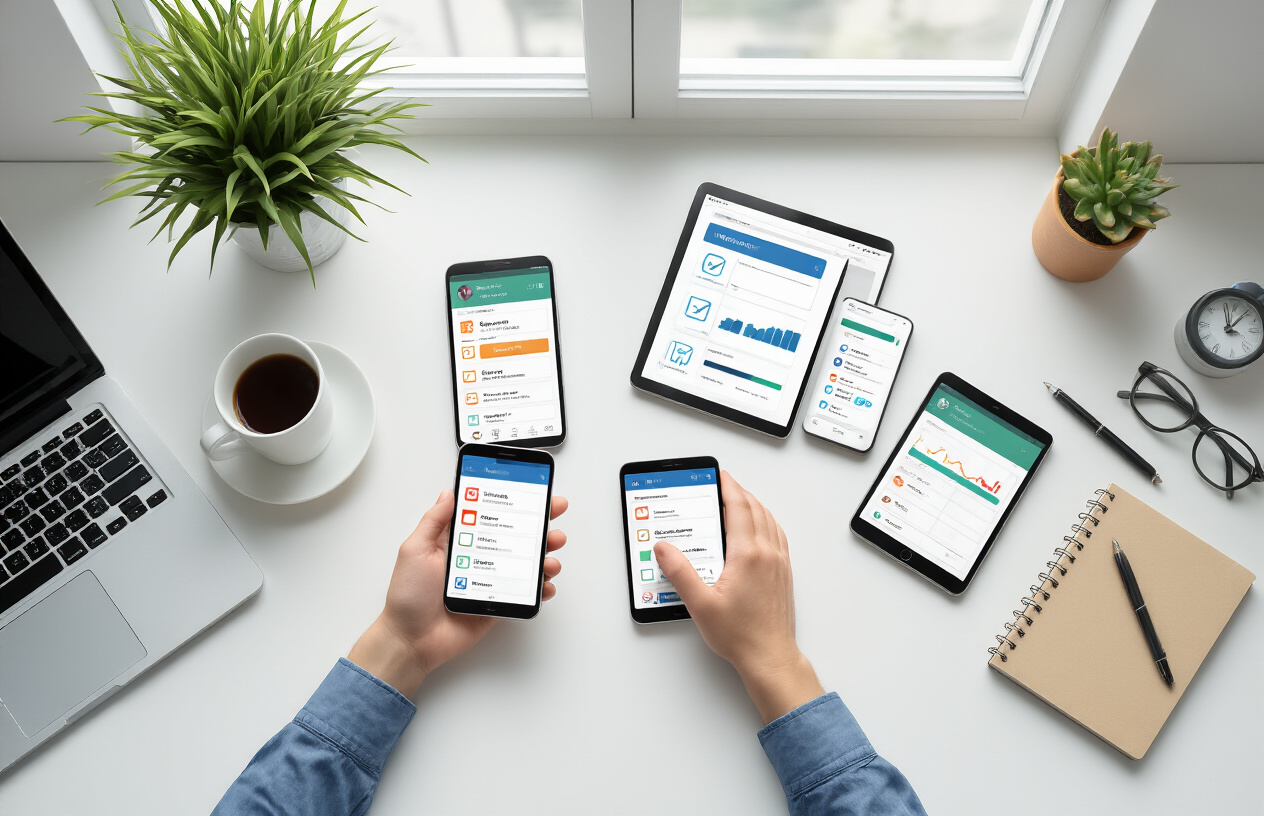
Essential Task and Project Management Apps
All-in-One Productivity Solutions with Templates and AI
ClickUp stands out as a comprehensive mobile productivity app that aims to replace multiple workplace tools by combining task management, to-do lists, time tracking, budgeting, reporting, and interactive whiteboards in one platform. This AI productivity tool features thousands of ready-made, customizable task management templates for various projects, plus ClickUp AI – a role-based assistant trained on hundreds of jobs with suggested prompts. With goal-setting capabilities and ratings of 4.7/5 on both G2 and Capterra, it offers a free forever plan for personal use, with paid plans starting at $7/month annually.
Smart To-Do Lists That Balance Power with Simplicity
Todoist exemplifies the perfect balance between powerful features and user-friendly design among task management mobile apps. This work efficiency app has earned recognition for its ability to provide robust functionality without overwhelming users with complexity. The platform offers both free and premium versions, with paid plans starting at $5/month, making it accessible to professionals seeking streamlined task organization without sacrificing essential features.
Time Blocking Apps for Meditative Daily Planning
Sunsama transforms daily planning into a mindful practice through its specialized time blocking approach. This time management app focuses on meditative daily planning, helping professionals create structured schedules while maintaining a calm, intentional approach to productivity. Priced at $20/month or $16/month when billed annually, Sunsama caters to users who value thoughtful planning over rapid task completion.
Calendar and Scheduling Apps That Work Smarter
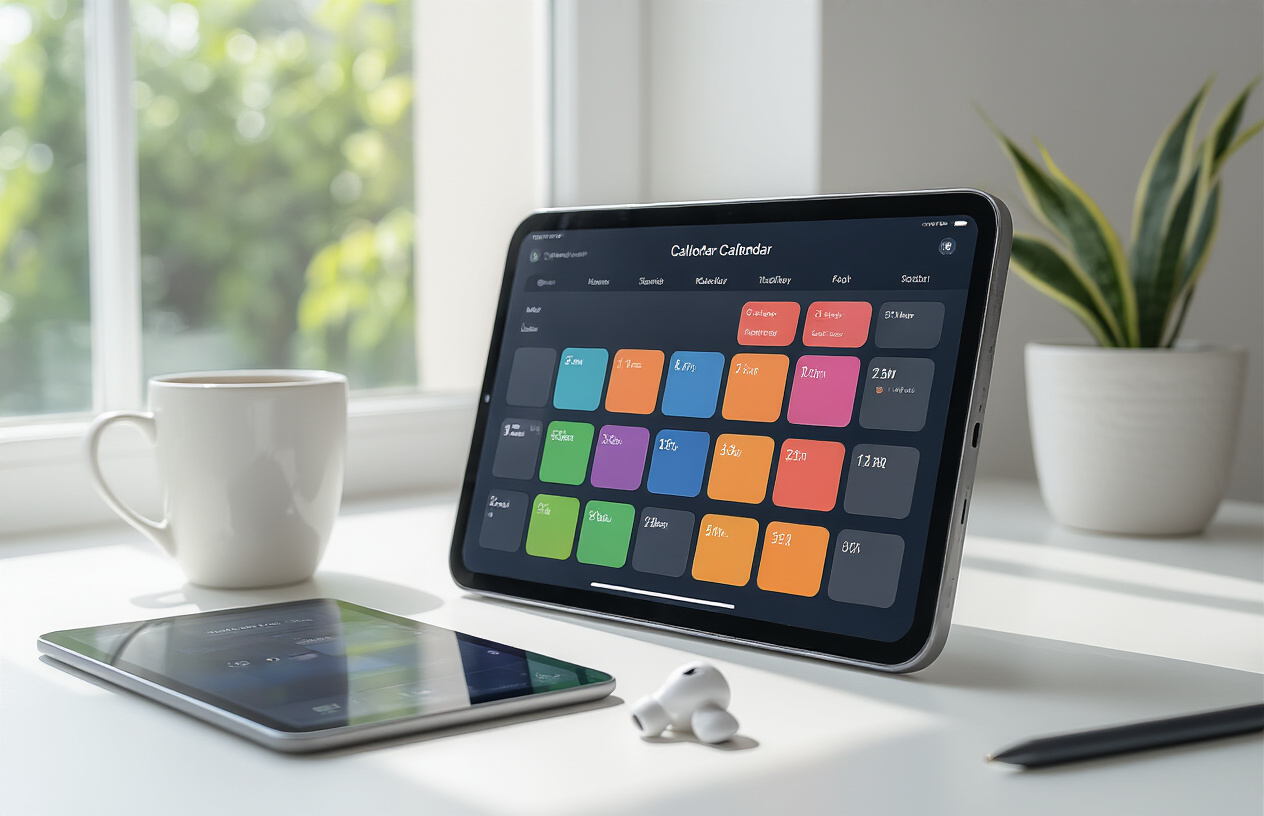
Calendar and Scheduling Apps That Work Smarter
Modern mobile productivity apps are revolutionizing calendar management through intelligent automation and seamless integration capabilities. AI-powered scheduling assistants like Reclaim automatically manage and adjust your calendar using machine learning algorithms, available from $8/user/month with free plans. Meeting schedulers such as Calendly offer extensive integration options for streamlined appointment booking, starting at $12/month beyond basic free features. Meanwhile, Google Calendar provides seamless integration across all calendar services, free with Google accounts or $6/user/month through Google Workspace, ensuring your scheduling workflow remains unified across platforms.
AI-Powered Scheduling Assistants That Manage Your Calendar Automatically
Reclaim stands out as an AI scheduling assistant that automatically manages and adjusts your calendar based on your preferences and priorities. This productivity app eliminates manual calendar management by intelligently allocating time for focused work, meetings, and personal commitments. With pricing starting from $8/user/month for full features and a free plan available, it represents a significant advancement in time management apps for professionals.
Meeting Schedulers with Extensive Integration Options
Calendly has established itself as the premier meeting scheduler among business apps for professionals, offering extensive integration options that connect with virtually any productivity workflow. This mobile app streamlines appointment booking by eliminating back-and-forth emails and automatically syncing with your existing calendar systems. While basic features are available free, paid plans starting at $12/month unlock advanced scheduling capabilities essential for workplace productivity solutions.
Seamless Calendar Integration Across All Your Services
Google Calendar provides the foundation for seamless calendar integration across all your services and platforms. This essential productivity app synchronizes effortlessly with other calendar services, ensuring your schedule remains consistent whether accessed through mobile apps for remote work or desktop applications. Available free with any Google account or enhanced through Google Workspace at $6/user/month, it serves as the cornerstone for professional mobile applications requiring unified scheduling capabilities.
AI-Powered Meeting and Communication Tools

AI-Powered Meeting and Communication Tools
Moving from organization tools to communication enhancement, AI productivity tools are revolutionizing how professionals handle meetings and messaging. These mobile apps for remote work leverage artificial intelligence to streamline discussions, capture important information, and unify communication channels across platforms.
AI Meeting Assistants That Isolate Key Discussion Points
Fireflies transforms meeting productivity by automatically isolating key discussion points, tasks, and questions from your conversations. This AI meeting assistant ensures nothing important gets lost, with a free plan available and paid options starting at $18 per user monthly.
Otter.ai serves as a comprehensive transcription service for meetings and classes, delivering full transcripts, key takeaway summaries, and slide capture functionality. Users can chat directly with the Otter bot for instant clarification on meeting content. With ratings of 4.1/5 on G2 and 4.5/5 on Capterra, pricing ranges from a basic free tier to Pro at $8.33 per user monthly and Business at $20 per user monthly.
Screen Recording Apps That Work Across All Devices
Loom stands out as an intuitive screen recording solution that functions seamlessly across multiple devices. Perfect for creating quick explanations or training materials, it offers a free plan for up to 25 videos with a maximum of 5 minutes each, while business plans start at $12.50 per month per user.
Unified Messaging Platforms for All Your Communications
Beeper eliminates communication fragmentation by providing an all-in-one messaging app with a unified inbox for messages across various services, available completely free.
Discord offers a versatile communication platform enabling users to create private groups, customize chat themes, and engage through real-time video, voice, and text conversations. This free application helps foster closer professional relationships while maintaining organized communication channels.
Focus and Time Management Solutions
Focus and Time Management Solutions
Distraction Blockers That Work Across All Devices Simultaneously
Freedom stands out as a comprehensive distraction blocker that operates seamlessly across all your devices simultaneously. This mobile productivity app ensures consistent focus whether you’re working on your phone, tablet, or computer. With pricing at $3.33/month when billed annually or $8.99/month for monthly billing, Freedom also offers a lifetime subscription option at $199 for those seeking long-term workplace productivity solutions.
Time Tracking Apps with Generous Free Plans
Toggl Track has earned recognition as one of the best time management apps with an exceptionally generous free plan. This professional mobile application accommodates up to 5 users at no cost, making it perfect for small teams and individual professionals. For larger organizations requiring advanced features, paid plans begin at just $9 per user monthly when billed annually, positioning it among the most cost-effective business apps for professionals.
Customizable Pomodoro Timers for Better Focus
Pomodor delivers a highly customizable Pomodoro timer experience that adapts to your unique work rhythm. This productivity app allows you to adjust both work and break periods according to your specific needs, making it an invaluable tool for mobile apps for remote work scenarios. The app operates on a donation-based model, offering full functionality for free while encouraging voluntary contributions to support continued development.
Note-Taking and Information Management Apps
Note-Taking and Information Management Apps
Cross-Device Note-Taking Solutions for Apple Users
Apple Notes stands out as the quintessential note-taking solution for Apple ecosystem users, delivering seamless integration across all Apple devices. This free mobile productivity app ensures your thoughts, ideas, and important information remain synchronized whether you’re working on your iPhone, iPad, or Mac. The app’s native integration eliminates the friction often experienced with third-party solutions, making it an indispensable workplace productivity solution for professionals invested in Apple’s ecosystem. With additional iCloud storage starting at just $0.99 per month for 50GB, users can expand their storage capacity as their information management needs grow.
Read-it-Later Apps with Advanced Highlighting and Notes
Instapaper revolutionizes how professionals consume and retain information by offering a sophisticated read-it-later platform with advanced highlighting and note-taking capabilities. This business app for professionals allows users to save articles, add detailed notes alongside highlights, and create a personalized knowledge repository. The app’s dual approach of content preservation and active annotation makes it a powerful tool for research, learning, and information retention. With both free and premium plans available starting at $5.99 per month, Instapaper caters to varying professional needs and budgets.
RSS Readers with Clean User Interfaces
Feedly transforms information consumption through its clean, intuitive interface and AI-powered news filtering capabilities. This professional mobile application functions as an intelligent news feed that curates articles and insights from your preferred publications, helping you stay informed without information overload. The platform’s clean design enhances readability and reduces cognitive load, making it easier to process large volumes of information efficiently. With impressive ratings of 4.4/5 on G2 and 4.8/5 on Capterra, Feedly offers flexible pricing from free access to Pro plans starting at $6 per month, making it accessible for individuals and enterprises alike.
Habit Building and Personal Development Tools
Habit Building and Personal Development Tools
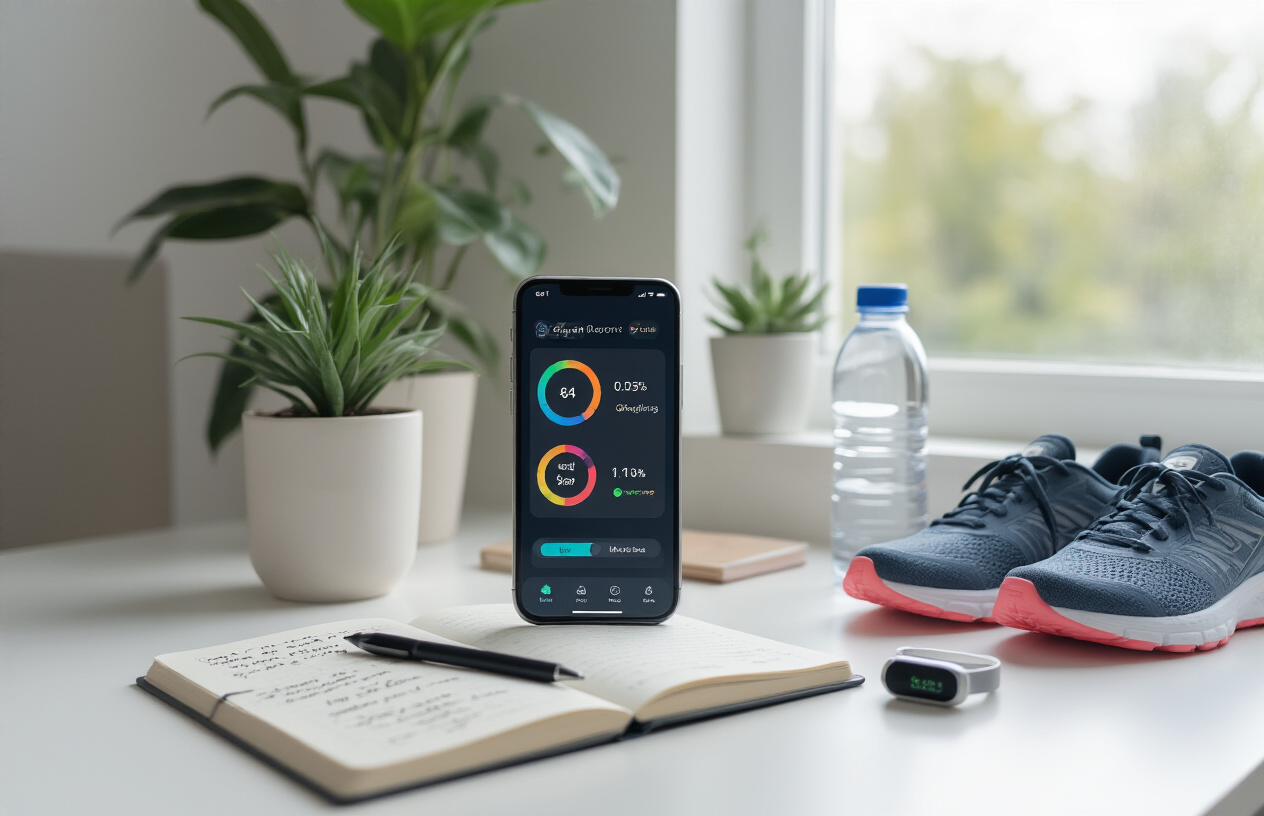
With time management and focus solutions in place, the next frontier lies in transforming your daily routines through habit building and personal development tools. These mobile productivity apps revolutionize how you approach personal growth by combining psychology with engaging technology.
Gamified Habit Trackers with RPG Elements
Habitica stands out as a revolutionary productivity app that transforms daily tasks into rewarding games with RPG elements. This unique mobile app turns habit formation into an adventure where users earn gold, armor, pets, and magical powers for completing habits and tasks. The gamification approach makes building productive work habits feel like playing an engaging role-playing game.
Apps That Turn Daily Tasks into Rewarding Games
Beyond traditional habit tracking, Habitica’s reward system allows users to utilize earned gold for in-app purchases or custom self-set rewards. This gamified approach to task management mobile apps creates powerful motivation loops that sustain long-term behavior change, making it one of the most effective workplace productivity solutions for personal development.
Goal Setting and Milestone Tracking Features
ClickUp provides robust goal setting features that establish personal or professional objectives while tracking milestones systematically. This comprehensive approach to goal management helps users achieve their objectives through clear progress visualization and structured milestone tracking, making it an essential tool among business apps for professionals focused on continuous improvement.
Security and Automation Apps for Enhanced Productivity

Security and Automation Apps for Enhanced Productivity
Password Managers That Work Securely Across Any Device
1Password stands out as a secure and user-friendly password manager that seamlessly operates across any device, ensuring your credentials remain protected while maintaining accessibility. At $36 per year for individuals or $60 annually for families, this mobile productivity app transforms how professionals manage their digital security. Previously, we’ve seen how various productivity apps that change work habits can streamline workflows, and password management represents a crucial foundation for workplace productivity solutions.
Automation Platforms That Connect Thousands of Apps
Zapier revolutionizes business apps for professionals by serving as an automation platform designed to connect thousands of different applications without coding knowledge. With a free plan available and paid options starting at $20 monthly, this AI productivity tool enables seamless integration between your favorite mobile apps for remote work, dramatically reducing manual tasks and enhancing overall efficiency.
Built-in Clipboard Managers for Instant Access
Windows users can leverage the built-in clipboard manager accessible through Windows logo key + V, providing instant access to previously copied items. This free feature, included with Windows, eliminates the need for additional professional mobile applications while boosting productivity through quick retrieval of frequently used text, links, and data snippets during daily workflows.
Knowledge Management and Learning Apps

Knowledge Management and Learning Apps
Now that we’ve explored time management and productivity tools, let’s examine how mobile apps can revolutionize knowledge management and learning for professionals. These workplace productivity solutions help teams organize information, stay informed, and maintain accessible resources across distributed workforces.
Company Wiki Solutions for Remote Teams
Slite stands out as a comprehensive knowledge base solution that transforms how remote teams manage collective information. This mobile productivity app enables teams to store company knowledge, document key decisions, capture ideas and feedback, and distribute important updates seamlessly. What sets Slite apart is its built-in AI functionality that answers company policy questions instantly, making it an invaluable business app for professionals managing remote workforces. The platform offers flexible pricing with a free tier, Standard at $8 per user monthly, and Premium at $12.50 per user monthly. With impressive ratings of 4.7/5 on both G2 (190+ reviews) and Capterra (35+ reviews), Slite proves its effectiveness as a mobile app for remote work.
AI-Powered News Feeds That Filter Information
Feedly leverages AI productivity tools to create personalized news feeds that filter information based on user preferences and trusted sources. This professional mobile application helps users discover and organize articles and insights from their preferred publications, eliminating information overload. Flipboard complements this approach by enabling users to curate content from favorite publications while receiving intelligent suggestions based on previously liked content. Users can follow specific topics and other curators while creating their own digital magazines. Both platforms are available free, making them accessible productivity apps that change work habits.
Bookmark Managers for Creative Professionals
Raindrop serves as a specialized bookmark manager designed for creative professionals who need to organize diverse digital content. This mobile productivity app allows users to save and categorize online articles, videos, photos, and web pages into themed collections based on projects, hobbies, and interests. The platform features powerful full-text search capabilities and offers a permanent library for saved content in its paid version. With a free tier and Pro version at $28 annually, Raindrop provides an affordable solution for professionals seeking efficient workplace productivity solutions for content organization and retrieval.

The mobile apps featured in this guide represent a fundamental shift in how we approach work productivity. From AI-powered scheduling assistants like Reclaim that automatically manage your calendar, to comprehensive tools like Todoist that balance power with simplicity, these applications eliminate friction from your daily workflows. Whether you’re leveraging Fireflies to capture key meeting insights, using Freedom to block distractions across all devices, or implementing Habitica’s gamified approach to habit building, each app addresses specific productivity pain points that have traditionally slowed us down.
The true power of these tools lies not just in their individual capabilities, but in how they work together to create a more intentional, efficient work experience. Many offer generous free plans or affordable pricing starting as low as $3.33 per month, making professional-grade productivity accessible to everyone. Start by identifying your biggest productivity challenge—whether it’s time management, note-taking, or staying focused—then implement one or two of these apps that directly address those needs. As you build momentum and see results, you can gradually expand your toolkit to create a comprehensive mobile workspace that truly changes how you work forever.

Saurabh Kumar is the founder of SaurabhOrbit.com, a hub for tech news, digital marketing insights, and expert blogging advice. With a deep passion for technology and digital strategies, Saurabh simplifies complex trends into actionable insights for readers looking to stay ahead in the digital world. My mission is to empower entrepreneurs, tech enthusiasts, and marketers with the latest tools and knowledge to thrive in the online space.