Drowning in endless tasks, back-to-back meetings, and digital chaos? You’re not alone. Remote workers, entrepreneurs, and busy professionals waste hours daily switching between apps, hunting for files, and getting distracted by notifications.
The right tech tools can transform your workday from frantic to focused. We’ll explore task management platforms that bring order to your chaos and communication tools that slash meeting time while keeping your team connected. You’ll also discover automation software that handles your repetitive work, plus time-tracking apps that expose exactly where your productive hours disappear.
Stop working harder and start working smarter with these 12 productivity game-changers.
Time Management and Focus Tools
Block distracting websites and apps during work hours
Website blockers are game-changers for maintaining focus during work sessions. Tools like Cold Turkey Blocker and Freedom create digital barriers between you and time-wasting sites like social media, news platforms, or entertainment websites. These focus apps go beyond simple willpower by making it genuinely difficult to access distracting content.
Cold Turkey Blocker offers granular control, allowing you to block specific websites, applications, or even your entire computer for set periods. Freedom works across all your devices, creating a synchronized distraction-free environment. Both tools let you schedule blocking sessions in advance, so you can plan your focused work time without relying on in-the-moment decision-making.
The real power comes from customization. You can create different blocking profiles for various types of work – perhaps blocking social media during writing tasks but allowing research sites, then switching to a more restrictive profile during deep analytical work.
Track time spent on different tasks automatically
Time tracking apps provide invaluable insights into where your hours actually go versus where you think they go. RescueTime runs silently in the background, categorizing your activities and generating detailed reports about your digital habits. Toggl Track offers more manual control, letting you start and stop timers for specific projects or tasks.
The automatic tracking feature eliminates the guesswork and human error that comes with manual time logging. RescueTime categorizes websites and applications as productive, neutral, or distracting, giving you a productivity score throughout the day. This data reveals patterns you might never notice otherwise – like spending 90 minutes on email when you thought it was only 30 minutes.
Time tracking data becomes powerful when you analyze trends over weeks or months. You might discover that you’re most productive in the morning, that certain types of meetings drain your energy for hours afterward, or that you spend far more time on administrative tasks than value-creating work.
Use the Pomodoro Technique with digital timers
Digital Pomodoro timers transform this classic productivity technique into a seamless part of your workflow. Apps like Be Focused Pro and PomoDone integrate with your existing task management software, automatically tracking which projects you work on during each 25-minute session.
These productivity apps 2024 versions of Pomodoro timers offer features that paper-based methods can’t match. You can customize session lengths, set different timer sounds, and even integrate with ambient noise or focus music. Forest takes a creative approach by growing virtual trees during your focused sessions – break focus early, and your tree dies.
The digital approach also provides analytics. You can see how many Pomodoro sessions you complete daily, which projects consume the most focused time, and when during the day you’re most likely to maintain concentration. This data helps optimize your schedule around your natural energy patterns.
Schedule focused work blocks in your calendar
Productivity tools for calendar blocking treat focused work time with the same importance as meetings. Google Calendar and Outlook allow you to create dedicated blocks for deep work, complete with automatic meeting decline settings during these periods.
The key is treating these blocks as non-negotiable appointments with yourself. Color-code different types of focused work – perhaps blue for creative tasks, green for analytical work, and red for urgent projects. This visual system helps you balance different types of thinking throughout your week.
Time blocking works best when combined with realistic scheduling. Most people overestimate how much they can accomplish in a given timeframe, so start with shorter blocks and expand as you get better at estimating task duration. Many productivity solutions recommend starting with 90-minute blocks, as this aligns with natural ultradian rhythms.
Communication and Collaboration Enhancers

Streamline team messaging with organized channels
Gone are the days when your team inbox looked like a digital hurricane hit it. Modern productivity tools like Slack, Microsoft Teams, and Discord have revolutionized how teams communicate by organizing conversations into dedicated channels. Think of channels as specialized rooms where specific topics live and breathe.
Create channels for different projects, departments, or even casual water cooler chat. Your marketing team can brainstorm campaigns in #marketing-campaigns while developers debug code in #dev-urgent. This separation prevents important messages from drowning in irrelevant conversations.
The real magic happens when you set up channels with clear naming conventions. Use prefixes like #proj- for projects, #team- for departments, and #social- for non-work chatter. Pin important messages, use threads for detailed discussions, and integrate your favorite apps directly into channels. Your workplace productivity software becomes exponentially more powerful when everyone knows exactly where to find information.
Replace lengthy email threads with quick video messages
Email threads that span 20+ messages back and forth? That’s productivity quicksand. Video messaging tools like Loom, Vidyard, or even built-in features in Slack and Teams let you record your screen and voice to explain complex ideas in minutes instead of paragraphs.
Record a quick 2-minute video walking through that spreadsheet instead of writing a novel about it. Show your screen while explaining the new process rather than creating a 10-step written guide that leaves room for confusion. Your teammates can watch at their convenience, replay sections they missed, and respond with their own video if needed.
These automation tools for business communication save hours weekly. No more scheduling 30-minute meetings to explain something that takes 3 minutes to show. Plus, video messages feel more personal and reduce miscommunication that often plagues text-based exchanges.
Share files and collaborate on documents in real-time
Real-time collaboration tools like Google Workspace, Microsoft 365, and Notion have made “emailing attachments back and forth” sound as outdated as sending faxes. Multiple team members can work on the same document simultaneously, seeing each other’s changes instantly.
Watch as your colleague edits paragraph three while you’re polishing the conclusion. Leave comments, suggest edits, and track changes without creating seventeen versions of “Final_Document_FINAL_v2_ACTUALLY_FINAL.docx.” Version control becomes automatic, and you can always roll back to previous iterations if needed.
The best productivity tools in this category go beyond basic document editing. Figma lets designers collaborate on visual projects, GitHub enables developers to work on code together, and tools like Miro make brainstorming sessions interactive whether your team is in the same room or scattered across time zones. Your productivity solutions become seamless when everyone works from the same digital canvas.
Task and Project Management Systems
Capture and organize all tasks in one central location
Having scattered tasks across sticky notes, emails, and random apps creates mental chaos. The most productive people understand that centralizing everything into one task management software system clears the mental fog instantly. Tools like Todoist, ClickUp, and Notion act as your digital command center, capturing every task, idea, and commitment in seconds.
When you dump everything from your brain into a trusted system, you free up valuable mental bandwidth for actual work. The key lies in choosing one primary tool and sticking with it religiously. These productivity tools sync across all your devices, so that brilliant idea you had during your commute gets preserved and organized before it vanishes.
Break down complex projects into manageable steps
Large projects feel overwhelming until you slice them into bite-sized actions. Task management software excels at this breakdown process, letting you create hierarchical structures that transform intimidating projects into clear action steps. Instead of “Launch new website,” you get specific tasks like “Write homepage copy,” “Select color scheme,” and “Set up hosting.”
This approach leverages the psychological principle that completing smaller tasks builds momentum. Each checkmark releases a tiny dopamine hit, keeping you motivated through longer projects. Modern productivity apps 2024 include features like subtasks, dependencies, and milestone tracking that make this process seamless.
Set automated reminders and deadlines
Your brain isn’t designed to remember dozens of deadlines while trying to focus on creative work. Smart productivity solutions handle this burden automatically, sending timely nudges exactly when you need them. You can set reminders based on due dates, location triggers, or even recurring schedules.
The magic happens when these systems learn your patterns and suggest optimal timing for different task types. Some tools analyze your completion history to predict realistic deadlines, preventing the chronic over-commitment that kills productivity.
Visualize project progress with boards and timelines
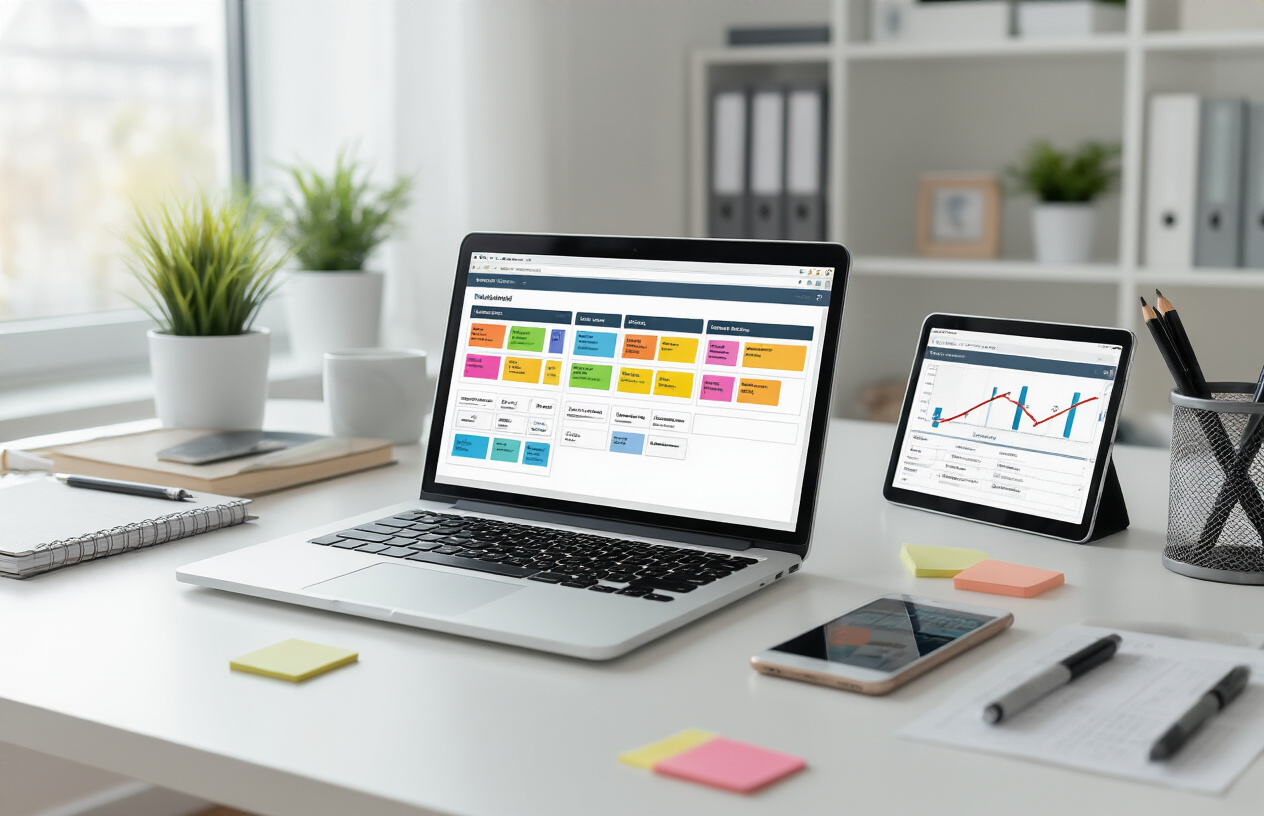
Visual progress tracking transforms abstract work into tangible advancement. Kanban boards show tasks flowing from “To Do” through “In Progress” to “Complete,” giving you instant status updates. Gantt charts reveal project timelines and dependencies, helping you spot potential bottlenecks before they derail your schedule.
These visual elements tap into how your brain naturally processes information, making complex project states instantly comprehensible. When team members can see progress visually, collaboration improves dramatically as everyone understands their role in the bigger picture.
Automation Tools for Repetitive Tasks
Connect Apps to Work Together Without Manual Intervention
The real magic happens when your favorite productivity tools start talking to each other. Zapier leads the pack as the most popular automation platform, connecting over 5,000 apps through simple “if this, then that” logic. You can create workflows called “Zaps” that automatically move data between your apps – like sending new Trello cards to Slack, or adding Gmail attachments to Google Drive.
Microsoft Power Automate offers similar functionality for businesses heavily invested in the Microsoft ecosystem, while IFTTT provides a free alternative for simpler automations. These automation tools for business can handle complex multi-step processes, like automatically creating calendar events from new CRM leads or updating spreadsheets when forms are submitted.
The key is starting small. Pick two apps you use daily and find one repetitive task between them. Maybe you constantly copy contact information from emails to your CRM, or manually update project status across multiple platforms. Set up one automation, test it thoroughly, then gradually build more complex workflows.
Automate Email Responses and Follow-ups
Email automation transforms your inbox from a time-sink into a productivity powerhouse. Tools like Boomerang for Gmail and Outlook let you schedule emails to send later, set reminders for follow-ups, and pause your inbox during focus time. These features alone can save hours each week.
Canned responses take automation further by creating templates for common inquiries. Gmail’s built-in feature lets you insert pre-written responses with just a few clicks, while tools like TextExpander work across all applications, expanding shortcuts into full messages.
For sales teams and customer service, advanced email automation through platforms like Mailchimp or ActiveCampaign can nurture leads automatically. Set up drip campaigns that send personalized follow-ups based on recipient behavior, turning one-time email writing into ongoing relationship building.
Schedule Social Media Posts in Advance
Social media management becomes effortless with the right scheduling tools. Buffer and Hootsuite remain industry favorites, letting you queue posts across multiple platforms from one dashboard. You can batch-create content during peak creativity hours, then let the tools handle posting at optimal engagement times.
Later excels for visual platforms like Instagram, offering a drag-and-drop calendar interface that shows exactly how your feed will look. For businesses, Sprout Social adds powerful analytics and team collaboration features, while the free Facebook Creator Studio handles Facebook and Instagram posting directly.
The smart approach involves creating content themes for each day of the week, then batch-writing posts monthly. Use the platforms’ analytics to identify when your audience is most active, then schedule accordingly. This productivity solution turns daily social media management into a weekly 30-minute task.
Create Templates for Frequently Used Documents
Document templates eliminate the frustration of starting from scratch every time. Google Workspace and Microsoft 365 both offer robust template galleries, but creating custom templates for your specific needs multiplies the time savings.
Build templates for meeting agendas, project proposals, client contracts, or any document you create regularly. Include placeholders for variable information, standardized formatting, and even automated elements like dates or signatures. Tools like PandaDoc take this further by creating smart documents that route themselves for signatures and approvals.
The productivity apps 2024 landscape includes specialized template tools like Notion, which combines note-taking with database functionality. Create master templates that automatically generate project pages, track progress, and maintain consistency across all your work. The initial setup investment pays dividends when you’re churning out professional documents in minutes instead of hours.
Note-Taking and Knowledge Management
Capture ideas instantly across all devices
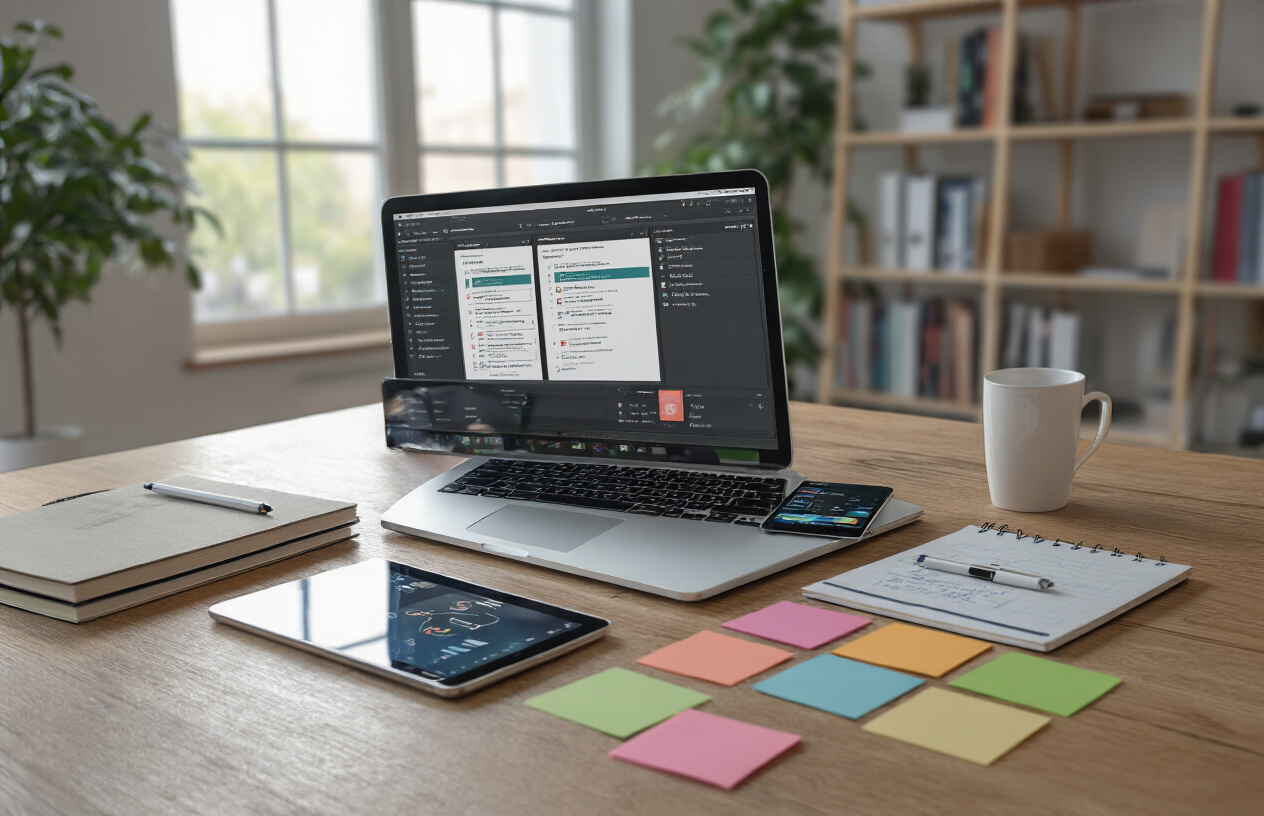
The best productivity tools for note-taking sync seamlessly across your smartphone, tablet, laptop, and desktop. Apps like Notion, Obsidian, and Apple Notes automatically save your thoughts the moment you type them, ensuring you never lose that brilliant idea that strikes during your morning commute.
Cross-platform compatibility means you can start a project outline on your phone during lunch and finish it on your laptop at home. These productivity apps 2024 versions offer real-time synchronization, so changes appear instantly across all your devices. Cloud-based storage keeps everything accessible even when you’re offline – just sync when you reconnect.
Voice-to-text features in modern note-taking apps let you capture ideas hands-free while driving or walking. Many productivity solutions now include quick capture widgets for your home screen, making it faster to jot down thoughts than opening a traditional notepad.
Search through all your notes and documents quickly
Advanced search capabilities transform scattered notes into a searchable knowledge base. The best productivity tools use powerful search algorithms that find content within seconds, even across thousands of documents.
Full-text search goes beyond simple keyword matching. These workplace productivity software solutions can locate specific phrases, dates, and even text within images or PDFs. OCR technology reads handwritten notes and scanned documents, making everything searchable.
Smart search features include filters by date, tag, or document type. Some productivity tools offer natural language search, letting you ask questions like “meeting notes from last Tuesday” instead of remembering exact keywords.
Organize information with tags and folders
Effective organization systems use both hierarchical folders and flexible tagging. Folders create clear structure for major projects, while tags add layers of categorization that cross traditional boundaries.
Popular task management software approaches include the PARA method (Projects, Areas, Resources, Archive) and Johnny Decimal systems. These frameworks work especially well in digital environments where you can create unlimited nested folders without physical constraints.
Tags excel at connecting related information across different projects. A single note about “budget planning” might include tags for #finance, #quarterly-review, and #team-meeting, making it discoverable through multiple pathways.
Convert handwritten notes to digital text
Handwriting recognition technology has dramatically improved, making it practical for daily use. Apps like GoodNotes, Notability, and OneNote accurately convert handwritten text into editable digital format.
Modern OCR engines handle various writing styles and even messy handwriting with impressive accuracy. These automation tools for business can process entire notebooks in minutes, saving hours of manual typing.
The conversion process preserves your original handwritten notes while creating searchable text versions. This dual format lets you maintain the natural flow of handwriting while gaining the benefits of digital organization and search capabilities.
Password and Security Management

Generate and store strong passwords automatically
Password management tools take the headache out of creating secure credentials. These productivity tools automatically generate complex passwords using combinations of letters, numbers, and special characters that would take hackers centuries to crack. Popular options like LastPass, 1Password, and Bitwarden create unique passwords for every account you use, storing them in encrypted vaults that only you can access.
The beauty of automation here is that you never have to remember another password again. These tools integrate seamlessly with your browser and mobile apps, filling in credentials as you browse. They also flag weak or reused passwords, helping you upgrade your security across all platforms. Many password managers include password strength assessments and breach monitoring, alerting you when any of your accounts might be compromised.
Access all accounts with one-click login
One-click login transforms your daily workflow by eliminating the time spent typing usernames and passwords dozens of times per day. Modern password managers sync across all your devices, so whether you’re on your laptop, phone, or tablet, your credentials are always ready. Browser extensions and mobile apps detect login forms automatically and can fill them instantly.
The productivity boost becomes obvious when you realize how much time you spend authenticating yourself throughout the workday. Instead of interrupting your flow to remember or look up passwords, you simply click once and continue working. This seamless experience extends to mobile apps too, where biometric authentication like fingerprint or face recognition makes accessing accounts even faster.
Share credentials securely with team members
Team password sharing traditionally meant writing passwords on sticky notes or sending them through insecure channels. Modern workplace productivity software includes secure sharing features that let you grant access to specific accounts without revealing the actual passwords. Team members can log into shared tools and services while the passwords remain encrypted and hidden.
These productivity solutions for business environments offer granular control over who sees what. You can share social media accounts with your marketing team, give your assistant access to scheduling tools, and provide developers with staging environment credentials – all without compromising security. When someone leaves the team, you can revoke their access instantly without changing passwords across multiple platforms.
Advanced password managers track who accessed which accounts and when, providing audit trails that many businesses need for compliance. This makes password and security management one of the most practical automation tools for business operations.

These tech tools can transform your daily workflow from scattered and chaotic to streamlined and efficient. The right combination of task management platforms, communication tools, and automation software will help you reclaim hours each day that you didn’t even realize you were losing to inefficiency.
Start by picking just two or three tools from this list that address your biggest productivity pain points. Don’t try to implement everything at once – that’s a recipe for overwhelm. Focus on the areas where you feel the most friction, whether that’s managing your tasks, cutting down on meetings, or eliminating those annoying repetitive tasks that eat up your time. Once you get comfortable with your first set of tools, you can gradually add more to create your ultimate productivity toolkit.

Saurabh Kumar is the founder of SaurabhOrbit.com, a hub for tech news, digital marketing insights, and expert blogging advice. With a deep passion for technology and digital strategies, Saurabh simplifies complex trends into actionable insights for readers looking to stay ahead in the digital world. My mission is to empower entrepreneurs, tech enthusiasts, and marketers with the latest tools and knowledge to thrive in the online space.