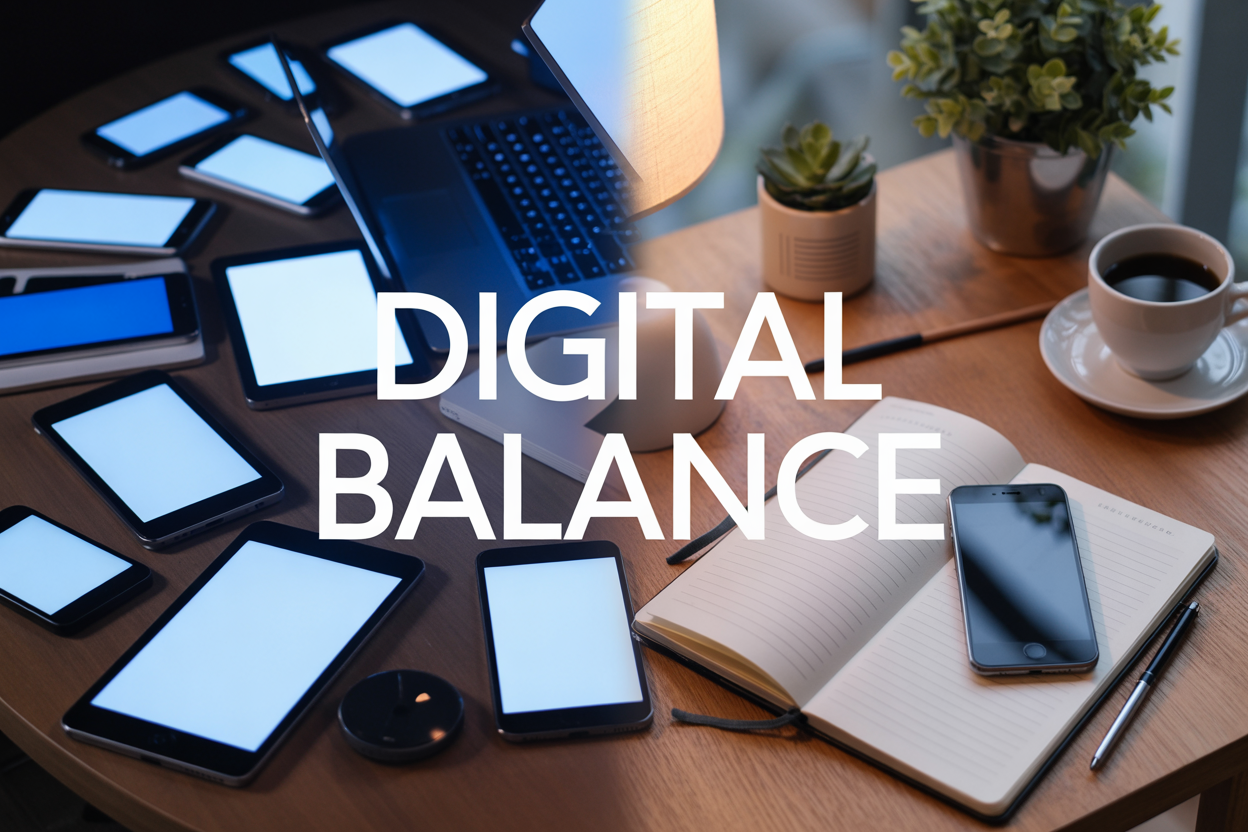
Finding Your Sweet Spot: Digital Detox vs. Smart Phone Use
Your smartphone buzzes every few minutes, and you find yourself reaching for it without thinking. Sound familiar? You’re not alone in this modern struggle between staying connected and maintaining your sanity.
This guide is for busy professionals, parents, and anyone who feels their phone controls them more than they control it. You want the benefits of technology without becoming a slave to constant notifications and endless scrolling.
We’ll explore the real health benefits of taking regular breaks from your devices and help you spot the warning signs that your smartphone use has crossed into problematic territory. You’ll also discover practical strategies to create digital boundaries that stick, so you can enjoy technology’s conveniences without sacrificing your mental health or real-world relationships.
The goal isn’t to throw your phone in a drawer forever – it’s about finding a digital detox vs. smart phone use balance that actually works for your lifestyle.
Understanding Digital Detox and Its Health Benefits

Reduced anxiety and improved mental clarity
Constant notifications, buzzing alerts, and the endless scroll of social media create a persistent state of mental hypervigilance. When you step away from your phone, your nervous system gets a chance to calm down. Your brain stops jumping between different stimuli every few seconds, allowing cortisol levels to drop naturally.
People who regularly practice digital detoxing report feeling less scattered and more centered. Without the constant pull of checking messages or refreshing feeds, your mind can focus on one thing at a time. This single-tasking approach reduces the mental fog that comes from information overload.
The relief from decision fatigue is particularly noticeable. Every notification demands a micro-decision: respond now or later? Important or not? This cognitive burden accumulates throughout the day, leaving you mentally drained. During a digital detox, these decisions disappear, freeing up mental bandwidth for more meaningful activities.
Better sleep quality and circadian rhythm restoration
Blue light from screens interferes with melatonin production, the hormone responsible for regulating sleep cycles. When you put devices away at least an hour before bedtime, your body can produce melatonin naturally, making it easier to fall asleep and stay asleep.
Many people underestimate how much late-night scrolling affects their sleep quality. Even if you fall asleep quickly, the mental stimulation from consuming content keeps your brain in an active state longer, preventing deep, restorative sleep phases.
Digital detox participants often experience:
- Falling asleep 30-45 minutes faster
- Fewer middle-of-the-night wake-ups
- More vivid dreams and better dream recall
- Waking up feeling more refreshed
Creating a phone-free bedroom environment allows your circadian rhythm to sync with natural light patterns rather than artificial screen brightness, leading to more consistent sleep-wake cycles.
Enhanced face-to-face relationships and social skills
When phones aren’t competing for attention, conversations become richer and more meaningful. Eye contact increases, active listening improves, and emotional connection deepens. People notice subtle facial expressions and body language cues they might miss while multitasking with devices.
Family meals transform from quiet phone-scrolling sessions into opportunities for genuine conversation. Children especially benefit when parents model present, engaged behavior instead of divided attention between family and screens.
Social anxiety often decreases during digital detoxes because people practice navigating real-world interactions without the safety net of checking their phone when conversations feel awkward. This builds confidence in social situations and improves interpersonal skills that have been weakened by over-reliance on digital communication.
Friends and family members frequently comment on how much more engaged and present someone becomes during their digital detox periods, leading to stronger, more authentic relationships.
Increased productivity and focus levels
Without the constant interruption of notifications, your brain can enter flow states more easily. Flow is that magical zone where time seems to stop and you’re completely absorbed in what you’re doing. Research shows it takes an average of 23 minutes to fully refocus after each interruption.
During digital detoxes, people rediscover their ability to concentrate for extended periods. Reading books becomes enjoyable again instead of feeling like a chore. Creative projects that seemed overwhelming become manageable when your attention isn’t fragmented across multiple apps and platforms.
Work productivity often skyrockets because the urge to check social media, news, or messages disappears. Tasks that normally take hours can be completed in half the time when your full attention is available.
The mental space created by reducing digital input allows for better problem-solving and creative thinking. Your brain has room to make connections, process information deeply, and generate original ideas instead of constantly consuming other people’s content.
Recognizing Smartphone Addiction Warning Signs
Compulsive checking behaviors and phantom vibrations
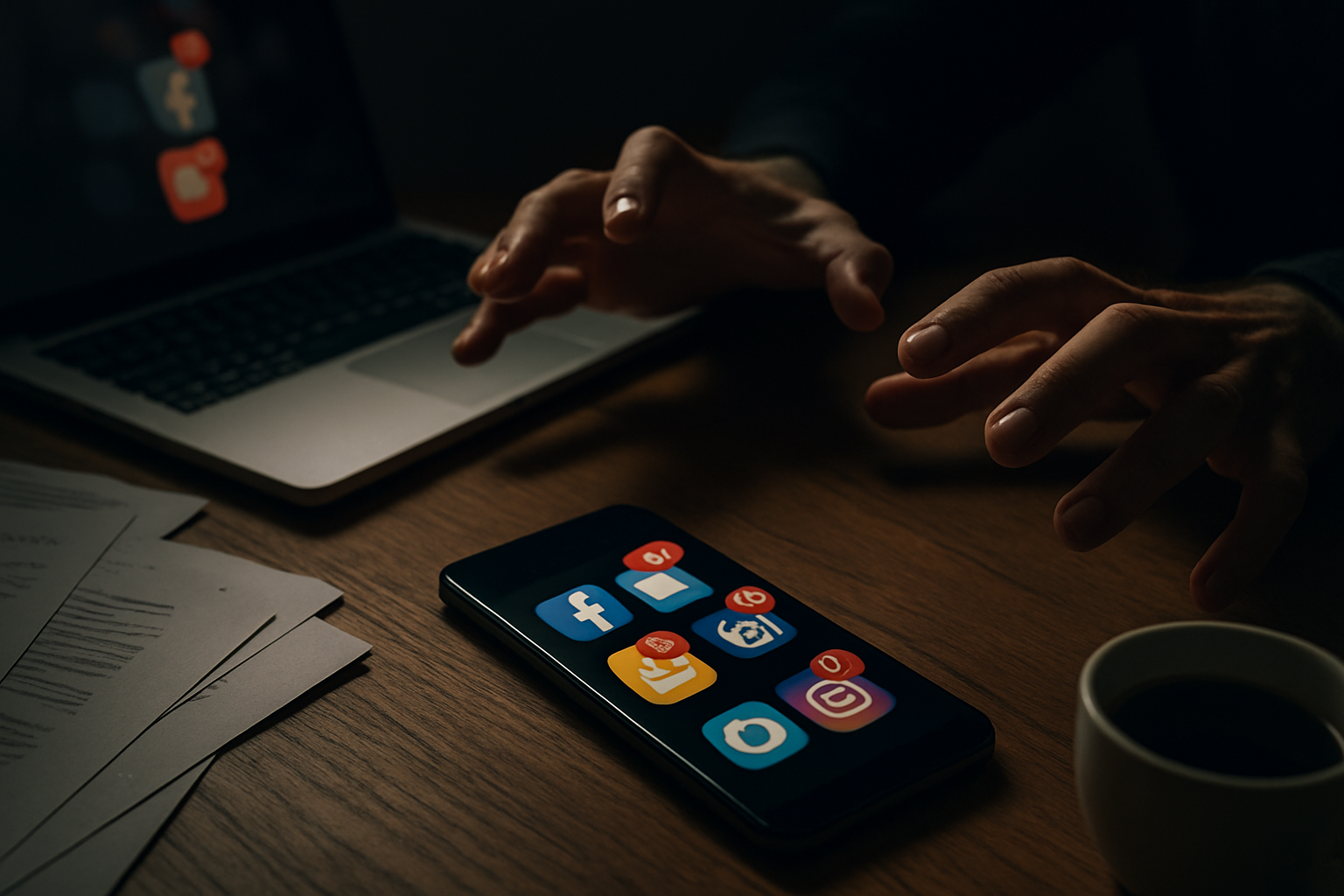
Your phone sits silently on the table, yet you swear you felt it buzz. This phantom vibration syndrome affects over 80% of smartphone users and signals your nervous system has become hypersensitive to device notifications. When you find yourself checking your phone every few minutes without any alerts, your brain has developed an automatic response pattern that craves digital stimulation.
Watch for these telltale behaviors: grabbing your phone the moment you wake up, checking it during conversations, or feeling anxious when separated from your device for more than an hour. Many people check their phones over 150 times daily without realizing it. The constant reach-and-scroll motion becomes so ingrained that you might catch yourself going through the motions even when your phone isn’t there.
Physical symptoms often accompany these behaviors. Your thumb might automatically swipe across surfaces, mimicking scrolling motions. Some people report feeling their phone vibrating in pockets that don’t even contain the device. These phantom sensations indicate your brain has rewired itself to expect constant digital input.
Difficulty concentrating without device access
True smartphone addiction reveals itself when your ability to focus depends entirely on having your device nearby. Even when you don’t actively use your phone, simply knowing it’s in another room can reduce cognitive performance by up to 10%. Your working memory suffers as part of your mental bandwidth remains allocated to wondering about missed notifications or updates.
Students often notice this first during exams or long study sessions. Reading a single page becomes challenging when thoughts drift to social media feeds or text messages. Work productivity plummets as tasks that previously required 30 minutes now stretch to an hour or more. The brain’s reward system, accustomed to frequent dopamine hits from notifications, struggles to find satisfaction in sustained, single-focus activities.
This dependency creates a feedback loop where concentration requires increasing effort while providing decreasing satisfaction. Simple activities like reading a book, having a meal without entertainment, or sitting quietly become surprisingly difficult. Your mind races toward digital stimulation instead of settling into present-moment awareness.
Sleep disruption from late-night screen time
Blue light emission from smartphones tricks your brain into thinking it’s daytime, suppressing melatonin production for up to three hours after exposure. This biological disruption explains why you might feel tired but struggle to fall asleep after late-night scrolling sessions. Your circadian rhythm becomes confused, leading to poor sleep quality even when you get adequate hours.
Beyond light exposure, the content you consume before bed stimulates your nervous system. Social media feeds, news updates, or engaging videos activate your brain when it should be winding down. Many people report their minds racing with thoughts about posts they’ve seen or messages they need to answer, making it nearly impossible to achieve restful sleep.
Sleep fragmentation occurs when you wake multiple times to check notifications or use your phone as entertainment during brief awakenings. This pattern prevents deep sleep stages necessary for physical recovery and memory consolidation. Morning fatigue, difficulty waking up, and reliance on caffeine often indicate smartphone usage has disrupted your natural sleep architecture.
Quality sleep requires your bedroom to become a phone-free sanctuary, but addiction makes this boundary feel impossible to maintain.
Essential Smartphone Functions Worth Preserving
Emergency Communication and Safety Features
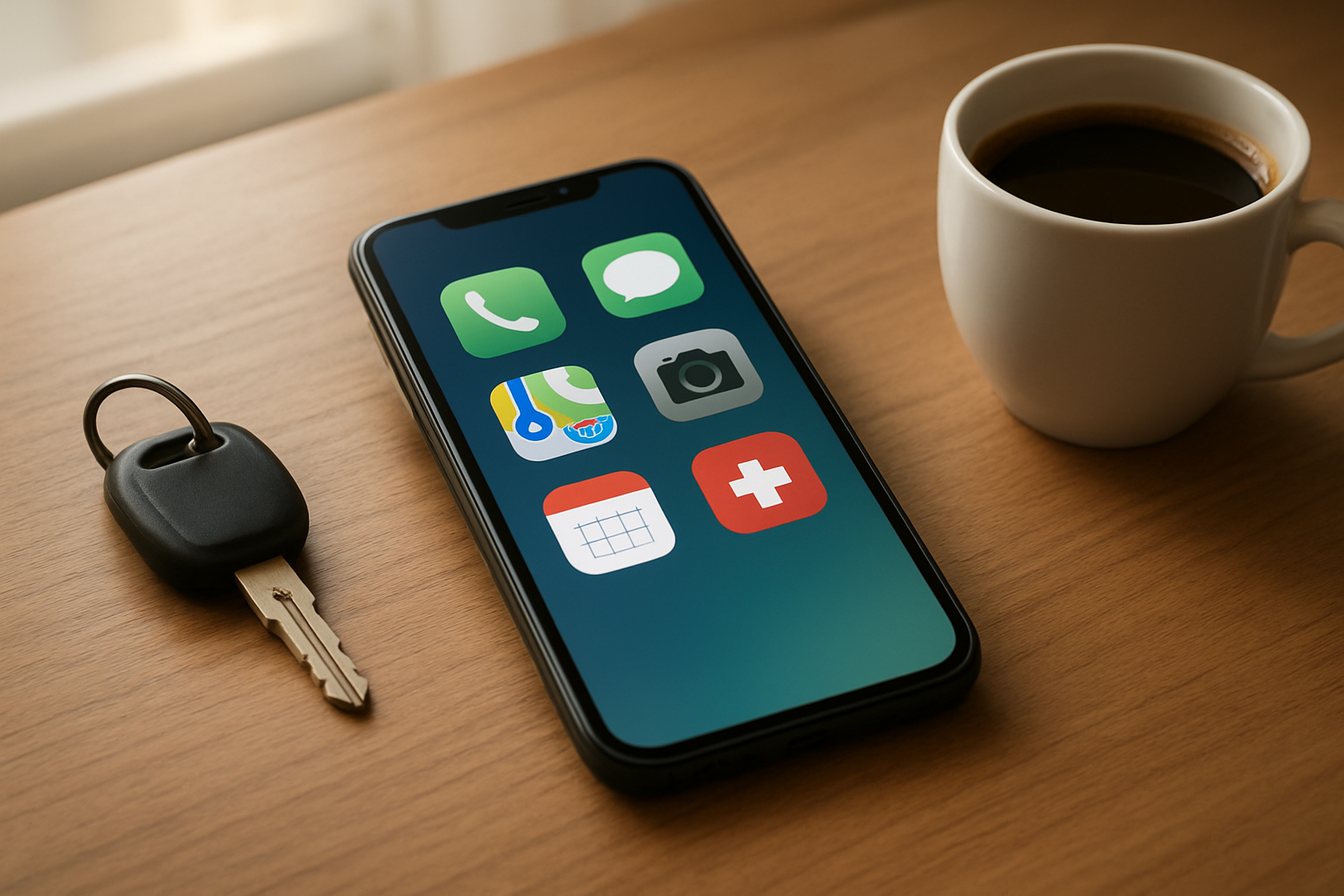
Your smartphone serves as your lifeline during unexpected situations. The ability to call 911, contact family members during emergencies, or reach roadside assistance can literally be life-saving. Modern smartphones also include built-in emergency features like automatic crash detection, location sharing with trusted contacts, and medical ID information that first responders can access even when your phone is locked.
Weather alerts and emergency broadcast systems keep you informed about natural disasters, Amber alerts, and other critical safety information. Many phones now offer satellite emergency messaging capabilities, extending your safety net even to remote areas without cellular coverage. These features represent the core value of staying connected – they’re about survival and peace of mind, not entertainment or distraction.
Navigation and Transportation Apps for Daily Life
Getting from point A to point B has never been easier thanks to GPS navigation apps. Whether you’re driving to a new restaurant, finding the nearest gas station, or navigating public transportation in an unfamiliar city, these tools save time and reduce stress. Real-time traffic updates help you avoid accidents and construction delays, while integrated ride-sharing apps provide transportation alternatives when driving isn’t practical.
Public transit apps show arrival times, route changes, and service disruptions, making commuting more predictable. For travelers, these apps become indispensable for exploring new cities, finding local attractions, and avoiding tourist traps. The convenience factor here isn’t just about comfort – it’s about efficient time management and reducing the anxiety that comes with being lost or late.
Professional Communication and Work Productivity Tools
Email access, calendar management, and video conferencing apps keep you connected to your professional responsibilities without chaining you to a desk. For many people, the ability to respond to urgent work matters outside office hours provides flexibility rather than burden. Document editing apps, project management tools, and cloud storage access enable remote work and collaboration.
Professional networking platforms help you maintain career relationships and discover opportunities. Banking apps, expense trackers, and digital payment systems streamline financial management, making it easier to handle business expenses and invoicing on the go. These tools can actually reduce work-life boundary issues by allowing you to quickly handle small tasks instead of letting them pile up.
Health Monitoring and Fitness Tracking Capabilities
Smartphone health apps and connected devices provide valuable insights into your physical well-being. Step counters, heart rate monitors, and sleep tracking help you establish baseline health metrics and identify patterns. Medication reminder apps ensure you never miss important prescriptions, while symptom tracking can provide valuable data for healthcare discussions.
Mental health apps offer guided meditation, breathing exercises, and mood tracking tools that support emotional well-being. Emergency medical information stored on your phone can be accessed by paramedics, and some apps can detect falls or irregular heart rhythms. For people managing chronic conditions, glucose monitors, blood pressure trackers, and other health devices sync seamlessly with smartphones to provide continuous monitoring.
Educational Resources and Skill Development Apps
Your smartphone doubles as a portable library and classroom. Language learning apps make it possible to practice during commutes or breaks, while educational podcasts and audiobooks turn downtime into learning opportunities. Tutorial videos help you master new skills, from cooking techniques to home repairs.
Professional development courses, certification programs, and industry news apps keep your skills current and marketable. Reading apps provide access to books, magazines, and research papers, while note-taking and flashcard apps support active learning. Photography and creative apps let you explore artistic pursuits, and coding apps enable you to learn programming languages anywhere.
These educational tools democratize learning, making high-quality instruction available regardless of location or schedule constraints. The key lies in choosing apps that align with your genuine interests and goals rather than falling into mindless content consumption.
Practical Digital Balance Strategies That Work

Scheduled Phone-Free Hours and Designated Quiet Zones
Creating specific times and spaces where phones are off-limits works better than trying to resist digital temptation all day long. Start by picking one hour each morning—maybe while you drink coffee or eat breakfast—where your phone stays in another room. This simple habit helps you begin each day without immediately diving into emails, news, or social media notifications.
Bedrooms work best as phone-free zones since screens before sleep mess with your natural sleep cycles. Set up a charging station outside your bedroom and invest in an old-school alarm clock. If you’re worried about emergencies, most smartphones have settings that allow calls from specific contacts to come through even in “Do Not Disturb” mode.
Family meal times deserve protection too. When everyone puts their devices in a basket or drawer during dinner, conversations actually happen. Kids learn this behavior by watching adults, so modeling phone-free time teaches them healthy digital boundaries without lectures.
The key is starting small and building consistency. Pick one hour and one location to begin with, then gradually expand these phone-free periods as they become natural parts of your routine.
App Usage Limits and Notification Management
Your phone’s built-in screen time controls can reveal shocking truths about daily usage patterns. Most people spend 3-4 hours more on their devices than they think they do. Setting app limits creates friction that makes you pause before mindlessly scrolling.
Start by limiting the most problematic apps to 30-60 minutes per day. When you hit that limit, your phone will remind you, giving you a chance to make a conscious choice about continuing. This isn’t about completely avoiding these apps—it’s about using them intentionally instead of falling into endless scroll sessions.
Notification management requires ruthless editing. Turn off notifications for everything except truly urgent communications. Social media likes, shopping app sales alerts, and game notifications can wait. Your attention is valuable, and every notification is essentially an app demanding a piece of it.
| App Type | Recommended Notification Setting | Why |
|---|---|---|
| Messaging (family/work) | Allow all | Genuine communication needs |
| Social Media | Turn off all | Creates FOMO and addiction |
| News Apps | Daily summary only | Prevents anxiety from constant updates |
| Shopping/Games | Turn off all | Designed to create artificial urgency |
Mindful Consumption of Social Media Content
Social media algorithms are designed to keep you engaged, often by showing content that triggers strong emotional reactions. Taking control means actively curating your feeds instead of passively consuming whatever appears.
Unfollow accounts that consistently make you feel worse about yourself, your life, or the world. This includes influencers who promote unrealistic lifestyles, news accounts that focus only on outrage, and people who share content that drains your energy. Your mental health matters more than staying connected to every person you’ve ever met.
Create intentional follow lists of accounts that add genuine value—friends you actually care about, creators who inspire or educate you, and brands or organizations aligned with your interests and values. Many platforms allow you to create custom feeds or lists, so you can choose what to see rather than relying on algorithmic recommendations.
Set specific times for checking social media rather than scrolling throughout the day. Fifteen minutes in the morning and fifteen minutes in the evening often satisfies the need to stay connected without letting social media take over your entire day. When you do scroll, ask yourself: “Is this adding value to my life right now?” If the answer is no, close the app and do something else.
Creating Sustainable Long-Term Digital Habits

Weekly Digital Sabbath Implementation
Setting aside one full day each week for a digital sabbath creates a powerful reset for your relationship with technology. Pick the same day weekly—many find Saturday or Sunday works best with family schedules. Start by powering down all devices at sunset Friday and keeping them off until sunset Saturday. This 24-hour break allows your brain to recalibrate and remember what life feels like without constant notifications.
During your digital sabbath, prepare analog alternatives beforehand. Stock up on physical books, board games, art supplies, or musical instruments. Plan outdoor activities like hiking, gardening, or visiting local farmers markets. The key is having engaging alternatives ready so you don’t feel bored or tempted to reach for your phone.
Create clear boundaries with family and friends about your digital sabbath. Let people know when you’ll be offline and provide emergency contact information if needed. Most people respect this boundary once they understand your commitment to digital wellness.
Regular Progress Assessment and Habit Adjustment
Track your digital habits weekly using simple metrics that matter to you. Monitor screen time through built-in phone features, but also pay attention to qualitative changes like sleep quality, mood, and attention span. Keep a brief weekly journal noting what worked well and what felt challenging.
Every month, review your progress and adjust strategies accordingly. Maybe you discovered that checking email first thing in the morning ruins your entire day, or perhaps you found that certain apps consistently pull you into mindless scrolling. Use these insights to refine your approach.
Don’t aim for perfection—aim for progress. Some weeks will be better than others, and that’s completely normal. The goal is building awareness and making gradual improvements that stick over time.
Building Offline Hobbies and Activities
Developing engaging offline pursuits is essential for long-term digital balance success. Physical activities like rock climbing, pottery, cooking, or learning a musical instrument provide natural dopamine hits that compete with the instant gratification of social media.
Choose hobbies that require focus and present-moment awareness. Activities like painting, woodworking, or tending a garden demand your full attention, making it impossible to multitask with devices. These immersive experiences help retrain your brain to enjoy sustained concentration.
Join local clubs or classes related to your interests. The social aspect adds accountability while building real-world connections. Whether it’s a weekly book club, hiking group, or cooking class, these commitments create structure that naturally limits screen time.
Establishing Accountability Systems with Family and Friends
Share your digital wellness goals with people who matter most to you. Explain why you’re making these changes and ask for their support. Family members can help by agreeing to phone-free meals or creating device parking stations during gatherings.
Find an accountability partner who shares similar goals. Check in weekly about your progress, challenges, and victories. This person can provide encouragement during difficult moments and celebrate your successes along the way.
Create family or household agreements about device use. Establish phone-free zones in bedrooms and during meals. Set up charging stations outside bedrooms to improve sleep quality for everyone. When the whole household participates, it’s much easier to maintain your own boundaries.
Consider joining online communities focused on digital wellness, but limit this to brief, purposeful check-ins rather than extended browsing sessions. The irony of using digital platforms to support digital detox isn’t lost, but these communities can provide valuable strategies and motivation when used mindfully.
Your relationship with your smartphone doesn’t have to be all or nothing. The goal isn’t to throw your phone in a drawer and go completely offline, but to create healthy boundaries that work for your lifestyle. When you notice warning signs like phantom notifications or constant urges to check social media, it’s time to step back and reassess. Keep the features that genuinely add value to your life – GPS navigation, emergency contacts, and useful apps – while cutting out the mindless scrolling that drains your energy.
Start small with simple changes like phone-free meals or designated charging spots outside the bedroom. These tiny shifts can lead to better sleep, stronger relationships, and more mental clarity. Remember, finding digital balance is an ongoing process, not a one-time fix. Pay attention to how different apps and habits make you feel, then adjust accordingly. The sweet spot is using technology as a helpful tool rather than letting it control your day-to-day life.

Saurabh Kumar is the founder of SaurabhOrbit.com, a hub for tech news, digital marketing insights, and expert blogging advice. With a deep passion for technology and digital strategies, Saurabh simplifies complex trends into actionable insights for readers looking to stay ahead in the digital world. My mission is to empower entrepreneurs, tech enthusiasts, and marketers with the latest tools and knowledge to thrive in the online space.