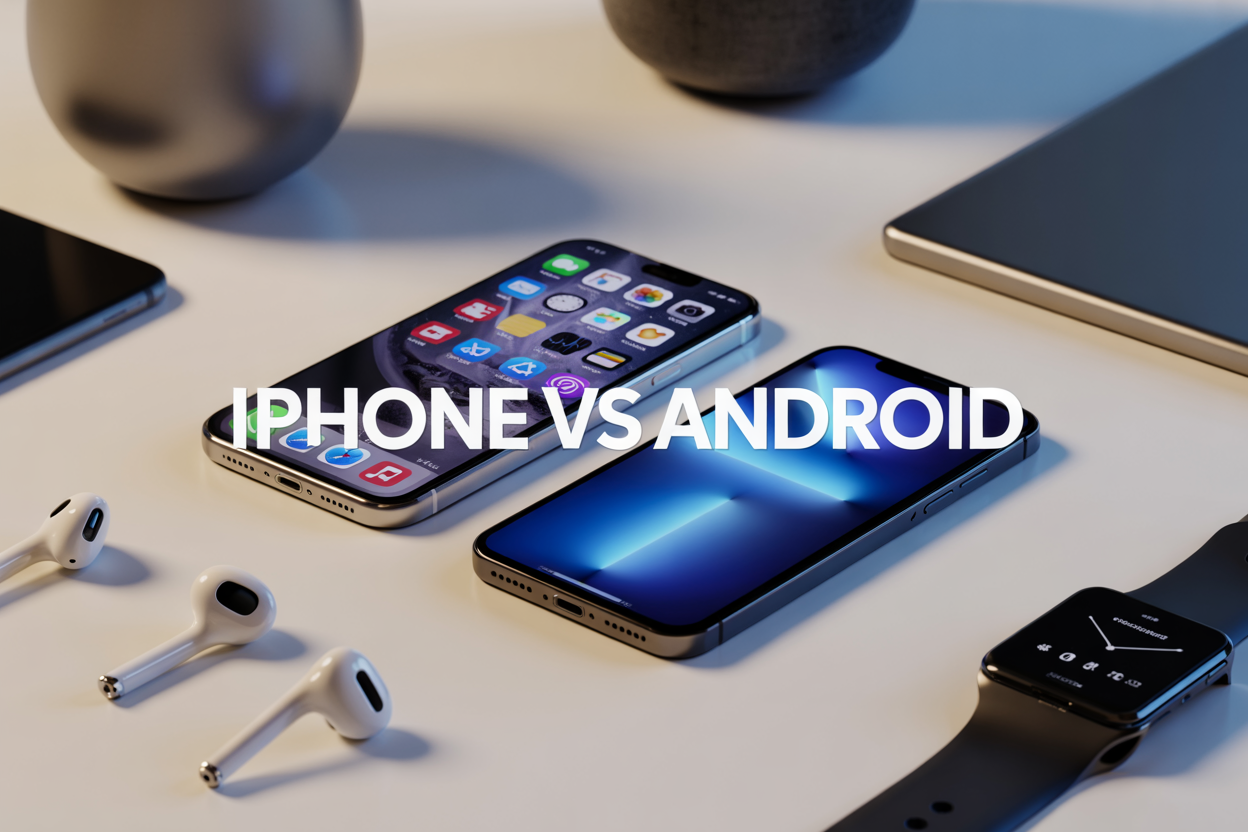
Choosing between iPhone vs Android isn’t just about picking a phone anymore—it’s about choosing an entire digital lifestyle. This comparison guide helps smartphone users, tech enthusiasts, and anyone ready to upgrade make an informed decision between these two dominant ecosystems.
Both platforms have evolved far beyond basic calling and texting, creating comprehensive ecosystems that touch every aspect of your digital life. From the apps you use daily to how your devices talk to each other, this choice shapes your tech experience for years to come.
We’ll break down the key differences in hardware quality and design, examining how each platform approaches build materials, durability, and aesthetic choices. You’ll also discover how software experience and user interface design philosophies create distinctly different daily interactions. Finally, we’ll explore device integration and ecosystem connectivity—the invisible threads that tie your phone, tablet, computer, and smart home together.
By the end, you’ll understand which ecosystem aligns with your priorities, budget, and lifestyle needs.
Hardware Quality and Design Excellence
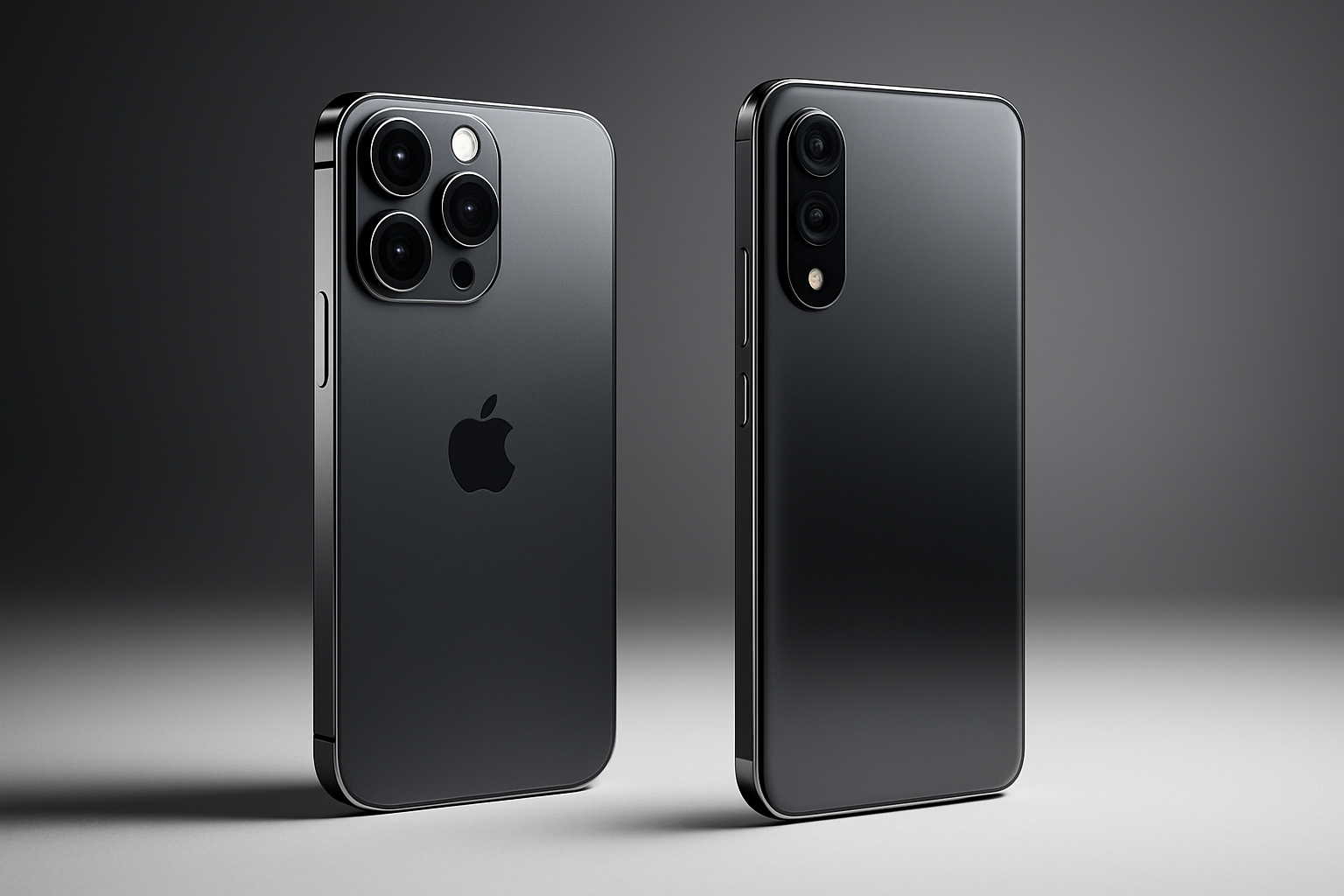
Build Materials and Durability Comparison
Apple consistently uses premium aluminum and surgical-grade stainless steel for iPhone construction, with their aerospace-grade aluminum delivering impressive durability while maintaining a lightweight feel. The latest iPhones feature a Ceramic Shield front that Apple claims is tougher than any smartphone glass. This attention to material quality creates devices that feel solid and withstand daily wear remarkably well.
Android manufacturers take varied approaches to build quality. Samsung’s Galaxy S series matches iPhone premium materials with aluminum frames and Gorilla Glass Victus protection. Google Pixel phones opt for aluminum construction with recycled materials, while OnePlus focuses on premium glass and metal combinations. Budget Android phones often use polycarbonate plastic, making them less premium but surprisingly durable for everyday use.
| Feature | iPhone | Premium Android | Budget Android |
|---|---|---|---|
| Frame Material | Aluminum/Steel | Aluminum/Steel | Plastic/Aluminum |
| Glass Protection | Ceramic Shield | Gorilla Glass Victus | Gorilla Glass 3-5 |
| Water Resistance | IP68 | IP68 | IP54-IP67 |
| Drop Protection | Excellent | Very Good | Good |
Display Technology and Visual Experience
iPhone displays excel in color accuracy and brightness consistency. The Super Retina XDR displays deliver true-to-life colors that photographers and content creators appreciate. Apple’s ProMotion technology provides smooth 120Hz refresh rates on Pro models, creating fluid scrolling and responsive touch interactions.
Android offers incredible display diversity. Samsung leads with vibrant AMOLED screens that pop with saturated colors, perfect for multimedia consumption. Many Android phones now feature 120Hz or even 144Hz refresh rates across various price points. Google Pixel phones focus on natural color reproduction similar to iPhones, while gaming-focused brands like ASUS ROG prioritize ultra-high refresh rates and low latency.
The viewing experience varies significantly based on your preferences. iPhone displays appear more natural and consistent, while many Android displays offer more customization options for color temperature, saturation, and display modes.
Camera Performance and Photography Features
iPhone cameras shine in computational photography and video recording. The camera app stays simple while delivering consistently excellent results across different lighting conditions. Portrait mode creates natural-looking depth effects, and Night mode produces clean low-light photos without excessive processing artifacts. Video recording remains unmatched, with professional-grade stabilization and color grading capabilities.
Android cameras showcase impressive versatility and innovation. Google Pixel phones lead computational photography with features like Magic Eraser and Real Tone for accurate skin color representation. Samsung Galaxy cameras offer extensive manual controls, multiple zoom levels, and creative shooting modes. OnePlus and Xiaomi phones push boundaries with massive sensor sizes and ultra-fast autofocus systems.
Camera strengths breakdown:
- iPhone: Consistent results, excellent video, natural colors
- Google Pixel: Advanced AI features, outstanding night photography
- Samsung Galaxy: Versatile zoom ranges, creative modes, bright displays
- OnePlus/Xiaomi: Large sensors, fast performance, competitive pricing
Battery Life and Charging Capabilities
iPhone battery performance has improved dramatically in recent generations. The iPhone 14 Pro Max easily delivers full-day usage for most users, with standby time lasting several days. iOS optimization ensures efficient power management, though charging speeds remain conservative at 20W wired and 15W wireless charging.
Android phones excel in charging innovation and battery capacity. Many Android devices feature batteries exceeding 4,500mAh compared to iPhone’s typical 3,200-4,300mAh range. Fast charging capabilities vary wildly – budget phones might offer 18W charging while flagship devices push 65W, 120W, or even 150W charging speeds that can fully charge phones in under 30 minutes.
Wireless charging adoption spans both ecosystems, but Android manufacturers experiment more aggressively with reverse wireless charging, allowing phones to charge other devices. Some Android phones also retain headphone jacks and expandable storage, addressing practical daily usage needs that iPhones have moved away from.
Software Experience and User Interface
Operating System Stability and Performance
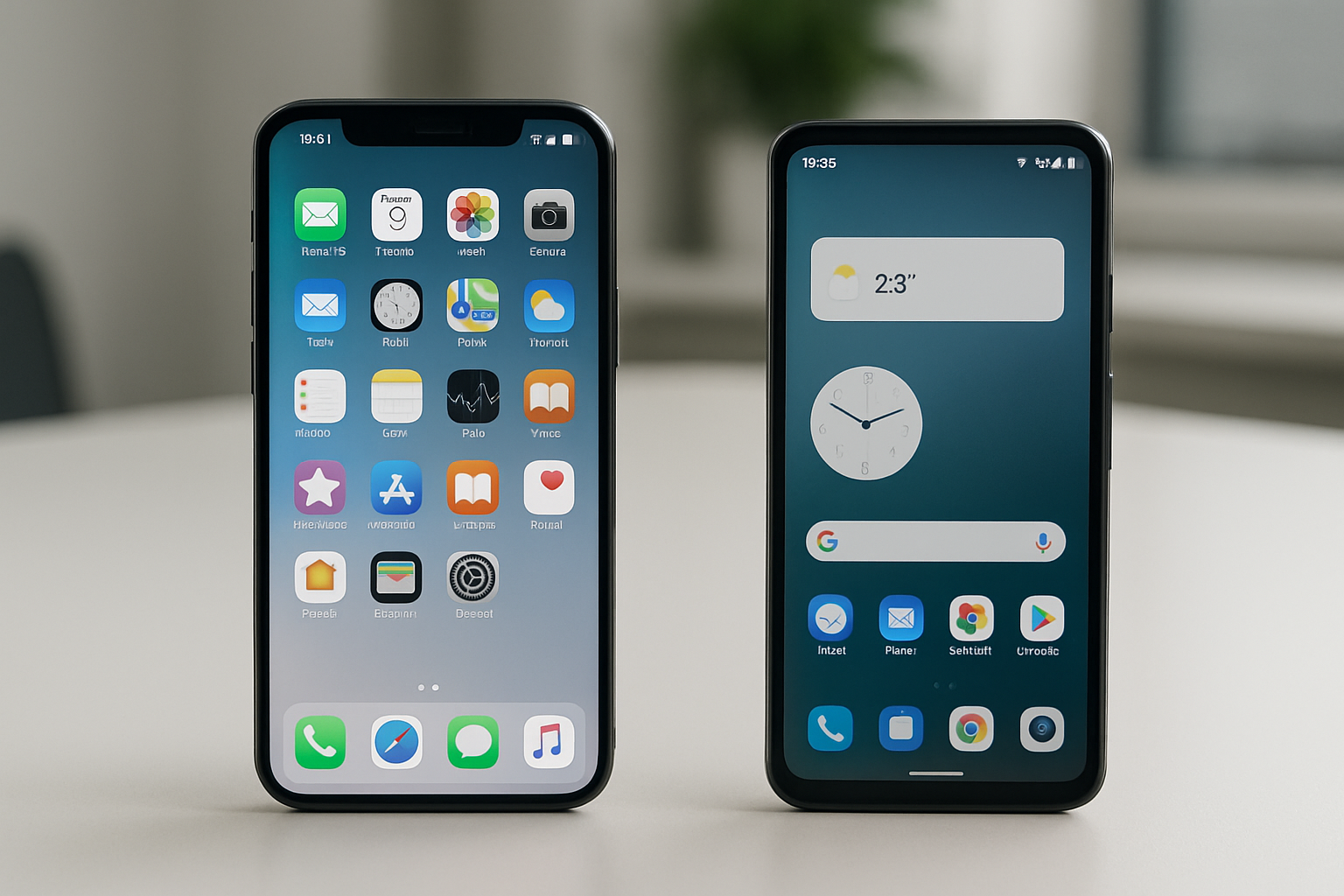
iOS delivers consistent performance across all supported devices thanks to Apple’s tight hardware-software integration. The system rarely experiences crashes or slowdowns, even on older models. Apple optimizes iOS specifically for their limited range of processors, resulting in smooth animations and responsive touch interactions that remain consistent over years of use.
Android’s performance varies dramatically depending on the manufacturer and device tier. Premium Android phones from Samsung, Google, and OnePlus often match or exceed iOS performance, while budget devices frequently suffer from lag and stuttering. Android’s flexibility comes at a cost – manufacturers layer their own software on top of Google’s base system, sometimes creating bloatware that slows things down.
Memory management differs significantly between platforms. iOS aggressively manages background apps to preserve battery life and performance, while Android offers more granular control over how apps run in the background. This means Android users can keep more apps truly active simultaneously, but at the expense of battery life and potential performance hiccups.
Customization Options and Flexibility
Android wins decisively in the customization department. Users can replace the entire home screen interface with third-party launchers like Nova or Action Launcher, completely transforming how their phone looks and operates. Widget placement anywhere on the home screen, custom icon packs, and the ability to set default apps for every function give Android users unprecedented control over their experience.
iOS customization remains limited despite recent improvements. Users can now arrange widgets on the home screen and change app icons through the Shortcuts app, but these changes feel superficial compared to Android’s deep customization options. Apple’s philosophy prioritizes consistency and simplicity over personalization, which appeals to users who prefer a polished, uniform experience across all devices.
The App Store and Play Store reflect these philosophical differences. Android allows sideloading apps from sources outside the Play Store, giving technically savvy users access to modified apps and alternative app stores. iOS users must jailbreak their devices to achieve similar functionality, which voids warranties and creates security risks.
Update Frequency and Long-term Support
Apple provides industry-leading software support, typically offering major iOS updates for devices 5-6 years old. The iPhone 6S, released in 2015, received iOS 15 in 2021 – an impressive six-year support window. All compatible devices receive updates simultaneously on release day, ensuring consistent security patches and feature availability across the ecosystem.
Android’s update situation remains fragmented and manufacturer-dependent. Google Pixel phones receive updates first and longest, with three years of major OS updates and five years of security patches. Samsung now matches this timeline for flagship devices, while other manufacturers often provide shorter support windows. Budget Android phones frequently receive limited or delayed updates.
Security patch distribution highlights this divide. iOS devices get security updates immediately when released, while Android patches can take weeks or months to reach devices through manufacturer customization and carrier approval processes. This delay leaves Android users vulnerable to newly discovered security threats for extended periods.
The update experience itself differs significantly. iOS updates typically install smoothly with minimal user intervention, while Android updates can sometimes cause compatibility issues with manufacturer-specific features or third-party launchers that need time to adapt to system changes.
App Ecosystem and Digital Services
App Store Quality and Security Standards
Both Apple’s App Store and Google Play Store take security seriously, but they approach it differently. Apple’s App Store uses a strict review process where every app gets manually checked before it appears for download. This means apps take longer to get approved – sometimes days or weeks – but you’re less likely to encounter malicious software or poorly designed apps.
Google Play Store relies more on automated scanning and machine learning to catch problematic apps. While this allows developers to publish apps faster, it occasionally lets suspicious apps slip through the cracks. Google does remove harmful apps once detected, but some users might download them before that happens.
The App Store’s curated approach results in higher average app quality and fewer privacy violations. However, this strictness sometimes blocks innovative apps that push boundaries or compete with Apple’s own services.
Exclusive Apps and Platform-Specific Features
iPhone users get access to apps that never make it to Android, often because developers target iOS first or exclusively. Popular examples include Clubhouse (which launched iOS-only), many premium photo editing apps, and certain gaming titles that debut on iPhone months before Android.
Android users enjoy different advantages. Google’s more open ecosystem allows apps that Apple would never approve, including alternative browsers with full functionality, file managers with system-level access, and customization apps that can completely transform the user interface.
Some apps work better on their native platform. Instagram Stories, for instance, often look sharper on iPhone because the app can access the camera API more directly. Meanwhile, Google’s own apps like Google Assistant and Gmail integrate more deeply with Android’s system features.
Professional creative apps tend to favor iOS. Adobe’s mobile suite, Final Cut Pro, and various music production apps either launch on iPhone first or offer more features on Apple’s platform.
Digital Payment and Wallet Integration
Apple Pay works seamlessly across the Apple ecosystem. You can start a payment on your iPhone and complete it with your Apple Watch, or use Face ID to authenticate purchases on your iPad. The service works with most major banks and supports both contactless payments and online purchases within apps.
Google Pay offers broader compatibility with different devices and services. It works on any Android phone, regardless of manufacturer, and integrates with Google’s other services like Gmail (for tracking purchases) and Google Assistant (for voice-activated payments).
Both platforms support loyalty cards and transit passes, but Apple Wallet tends to have better partnerships with airlines and event venues for digital tickets. Google Pay shines in peer-to-peer payments and has better integration with web-based shopping.
Security approaches differ significantly. Apple processes payments through a secure element chip and generates unique transaction codes. Google uses tokenization and can leverage your existing Google account security features.
Cloud Storage and Backup Solutions
iCloud creates automatic backups of your entire iPhone, including app data, messages, photos, and settings. When you get a new iPhone, you can restore everything exactly as it was. The service offers 5GB free, with paid tiers up to 2TB.
Google provides 15GB of free storage shared across Gmail, Google Photos, and Google Drive. Android phones back up app data, call history, and settings to Google Drive automatically. Photos get unlimited storage at compressed quality through Google Photos (though this changed in 2021 for new uploads).
iCloud excels at device-to-device continuity. Your Safari tabs, Notes, and even clipboard content sync instantly across all your Apple devices. Google’s approach works across platforms – you can access your Android backup data from any computer or device with internet access.
Photo management differs significantly. iCloud Photos maintains original quality but counts against your storage limit. Google Photos offers smart organization, face recognition, and powerful search features, making it easier to find specific images later.
Device Integration and Ecosystem Connectivity
Cross-Device Synchronization Benefits
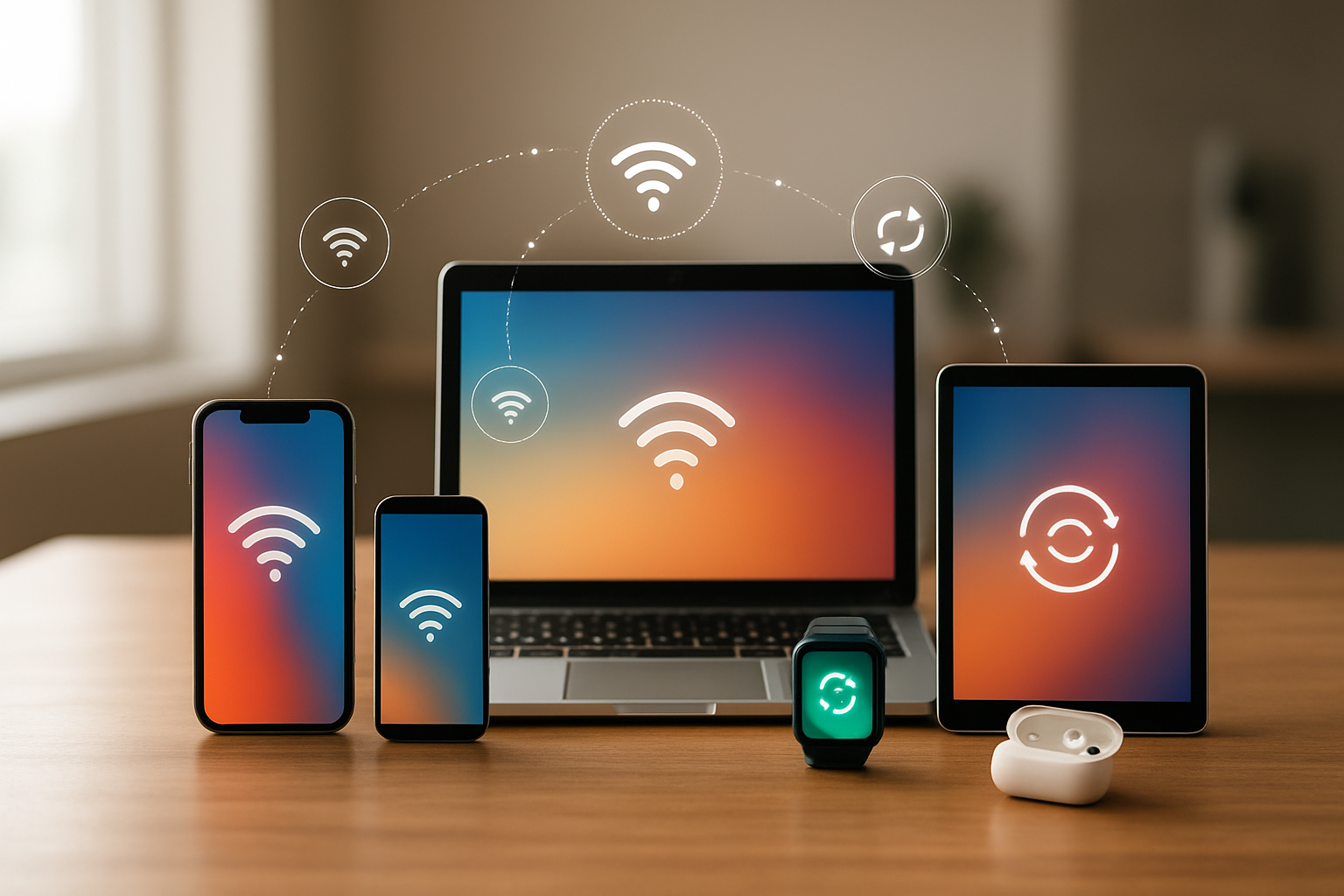
Apple’s ecosystem creates a seamless digital experience that feels almost magical when everything works together. iPhone users can start typing a message on their Mac, finish it on their iPad, and send it from their Apple Watch without missing a beat. This handoff feature extends to phone calls, emails, documents, and even clipboard content. Your photos automatically sync across all devices through iCloud, and AirDrop makes sharing files between Apple devices instant and effortless.
Android offers synchronization through Google’s services, which work exceptionally well across platforms. Your Gmail, Google Drive files, Chrome bookmarks, and Google Photos sync beautifully whether you’re using a Samsung phone, Windows laptop, or Chromebook. The advantage here is flexibility – Android’s ecosystem doesn’t lock you into specific hardware brands. You can mix and match devices from different manufacturers while maintaining your digital continuity.
| Feature | iPhone/iOS | Android |
|---|---|---|
| Same-brand sync | Excellent within Apple ecosystem | Good with Google services |
| Cross-platform sync | Limited outside Apple devices | Works across all platforms |
| File sharing | AirDrop (Apple only) | Various methods, more universal |
Smart Home and IoT Compatibility
HomeKit has matured into a robust smart home platform that prioritizes security and privacy. Setting up compatible devices is straightforward, and Siri integration means you can control your entire home with voice commands. The Home app provides centralized control, and automation features work reliably. However, device compatibility remains more limited compared to Android options, though major brands like Philips Hue, Ecobee, and August support HomeKit.
Android users benefit from broader smart home compatibility, particularly with Google Assistant and Nest products. Google’s platform supports more third-party devices and services, making it easier to build a diverse smart home setup. The Google Home app serves as mission control, and routine automation can trigger complex sequences across multiple device brands. Amazon Alexa integration is also more common on Android devices.
Smart home enthusiasts often find Android more accommodating for experimental setups and custom integrations, while iPhone users appreciate the security-first approach and streamlined experience of HomeKit-certified devices.
Accessory and Peripheral Support
Apple’s MFi (Made for iPhone) certification program ensures accessories meet strict quality standards, but this comes with higher prices and fewer options. Lightning and USB-C accessories specifically designed for iPhones often deliver superior performance and integration. AirPods represent the gold standard for wireless earbuds with Apple devices, offering features like automatic switching between devices and spatial audio.
Android’s open approach means endless accessory choices at every price point. USB-C standardization across most modern Android phones simplifies cable management and accessory sharing. Wireless charging, fast charging, and various form factors give users more flexibility in choosing accessories that fit their lifestyle and budget.
Gaming accessories, productivity tools, and creative peripherals often launch with broader Android support due to the platform’s openness. Professional photographers and content creators frequently prefer Android devices for their extensive lens attachment options and advanced camera accessories.
The trade-off is clear: iPhone users get fewer but often better-integrated accessories, while Android users enjoy vast selection and competitive pricing across all categories.
Privacy and Security Protection
Data Protection Policies and Practices
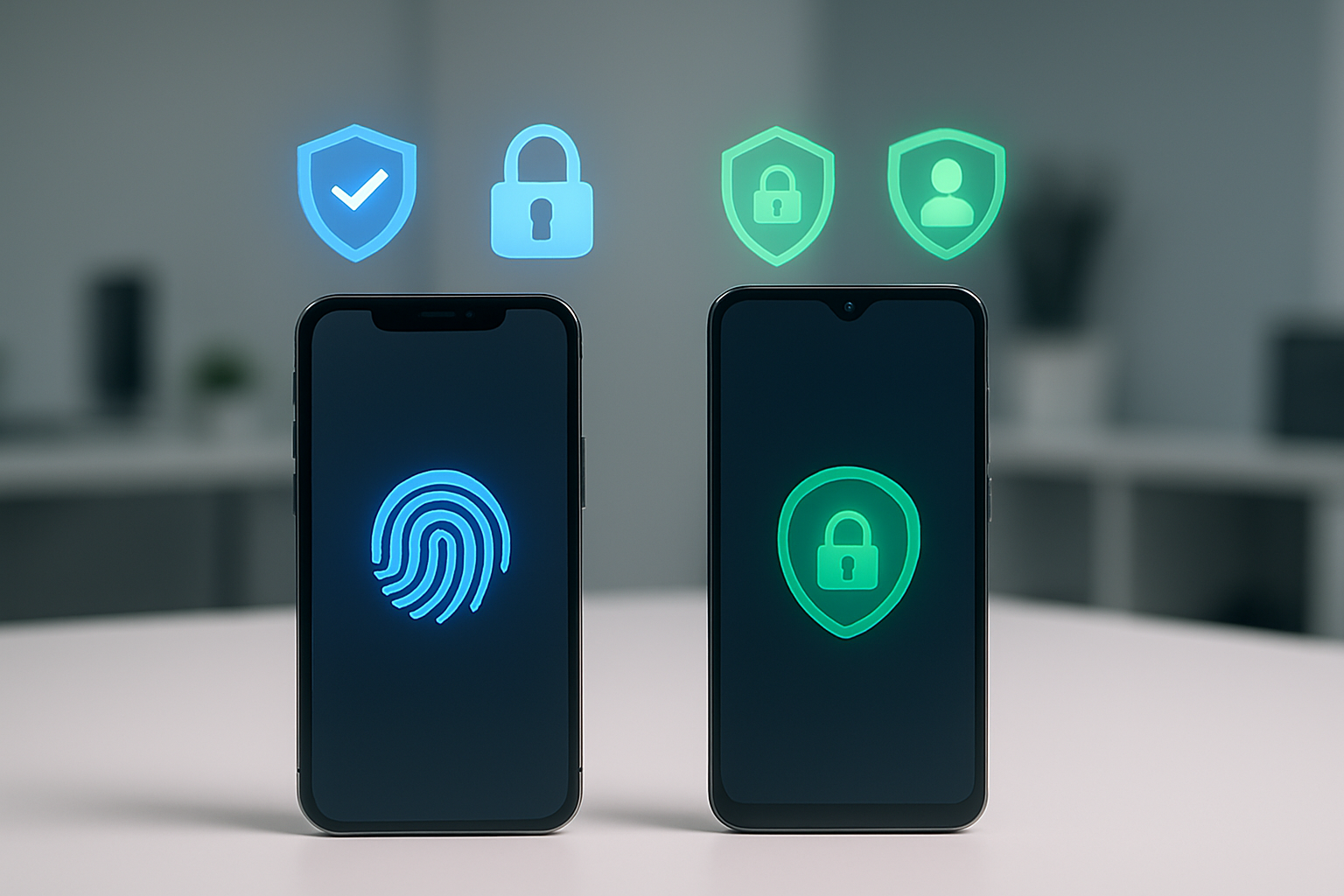
Apple takes a hardline stance on data privacy, building its entire marketing narrative around the concept that “privacy is a fundamental human right.” The company processes most data locally on devices whenever possible and implements differential privacy techniques to anonymize user information when collection is necessary. Apple’s privacy labels in the App Store provide transparent disclosure about what data apps collect, giving users clear visibility into potential privacy risks.
Google’s approach differs significantly, as data collection fuels its advertising-driven business model. Android devices integrate deeply with Google services, creating detailed user profiles that enable targeted advertising across platforms. However, Google has made substantial improvements in recent years, introducing Privacy Dashboard, app permissions management, and enhanced location controls. The company also provides comprehensive privacy controls, though they require more user initiative to configure properly.
Built-in Security Features and Encryption
iPhones ship with robust security architecture from day one. The Secure Enclave chip handles biometric data and encryption keys independently from the main processor, creating an isolated security zone that’s extremely difficult to compromise. Face ID and Touch ID data never leaves the device, and iOS encrypts all user data by default using AES 256-bit encryption.
Android’s security landscape varies considerably across manufacturers and price points. Google Pixel devices receive the strongest security implementations, featuring the Titan M security chip that rivals Apple’s Secure Enclave. Samsung Galaxy phones include Knox security platform, providing enterprise-grade protection. However, budget Android devices often lack advanced security chips and may ship with outdated security patches, creating potential vulnerabilities.
| Security Feature | iPhone | Android |
|---|---|---|
| Hardware Security Module | Secure Enclave (all devices) | Varies by manufacturer |
| Default Encryption | AES 256-bit | AES 256-bit (Android 6.0+) |
| Biometric Security | Secure Enclave isolation | Varies by device |
| Security Updates | 5+ years guaranteed | 2-7 years depending on manufacturer |
Third-Party App Monitoring and Control
Apple’s App Store review process creates a curated environment where malicious apps rarely slip through. The company manually reviews every app submission, checking for security vulnerabilities, privacy violations, and adherence to guidelines. iOS sandboxes all apps, preventing them from accessing system files or other apps’ data without explicit permission.
Android’s Google Play Store uses automated scanning combined with machine learning to detect malicious apps, but the open ecosystem allows sideloading from third-party sources. This flexibility gives users more freedom but increases security risks. Google Play Protect scans installed apps continuously, but sophisticated malware can sometimes evade detection. Users can disable sideloading entirely or enable additional warnings for enhanced protection.
User Control Over Personal Information
iOS provides granular privacy controls through Settings, allowing users to manage app permissions for location, camera, microphone, contacts, and photos individually. The Privacy Report feature shows which apps have accessed sensitive data recently, creating transparency around app behavior. Users can also enable tracking protection that requires apps to request permission before accessing advertising identifiers.
Android offers similar granular controls through the Privacy Dashboard, showing data access patterns over time. Users can revoke permissions retroactively and set one-time permissions for sensitive data access. The Permission Manager provides comprehensive oversight of which apps can access specific device functions, though the interface can feel overwhelming for casual users who prefer simpler privacy controls.
Cost Value and Market Options
Initial Purchase Price Comparison
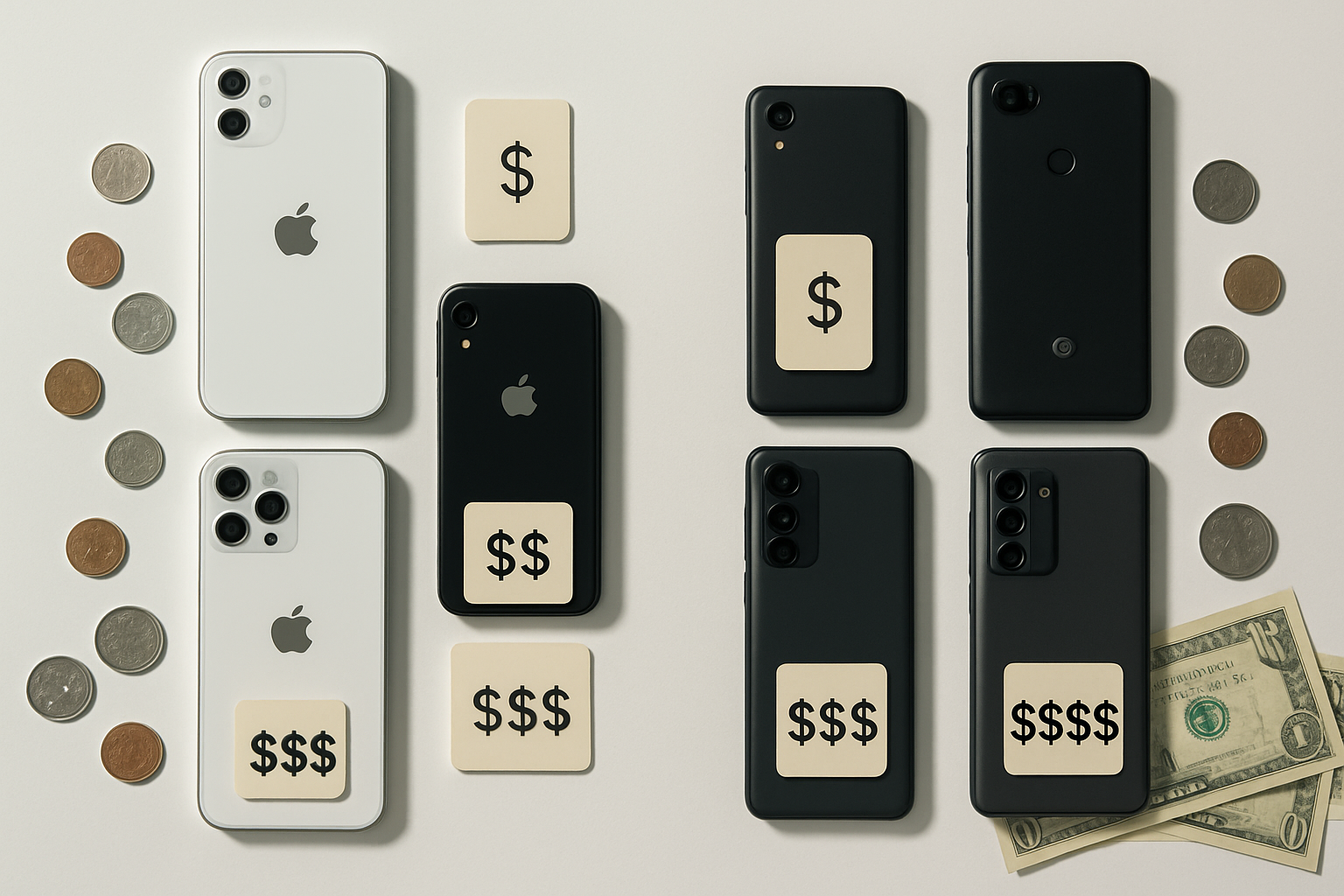
The upfront cost difference between iPhone and Android devices spans an enormous range. iPhones typically start around $429 for the iPhone SE and climb to $1,599 for the top-tier iPhone 15 Pro Max with maximum storage. Apple’s pricing structure remains relatively fixed, with minimal discounts from authorized retailers.
Android’s price spectrum tells a completely different story. Budget Android phones start as low as $50-100 for basic models from brands like Nokia or Motorola, while premium flagship devices from Samsung, Google, or OnePlus can reach $1,200-1,500. This creates multiple entry points:
| Price Range | iPhone Options | Android Options |
|---|---|---|
| Under $300 | iPhone SE (refurbished) | Dozens of new models |
| $300-600 | iPhone 12/13 (older models) | Mid-range flagships |
| $600-1000 | iPhone 14/15 base models | Premium flagships |
| $1000+ | iPhone Pro models | Ultra-premium models |
Android manufacturers frequently offer promotions, trade-in deals, and carrier subsidies that can significantly reduce actual purchase prices. Samsung, for example, regularly provides $200-400 trade-in bonuses even for older devices.
Long-term Ownership Costs
iPhone users benefit from extended software support, with devices receiving iOS updates for 5-7 years. This extended lifespan reduces the frequency of necessary upgrades. Apple’s repair ecosystem, while expensive, offers consistent pricing and genuine parts availability.
Android devices present mixed long-term value propositions. Premium Android phones from major manufacturers now receive 4-5 years of security updates, matching iPhone longevity for recent models. However, budget Android devices often receive only 1-2 years of support, forcing earlier replacement cycles.
Repair costs vary dramatically across Android manufacturers. Samsung and Google offer repair programs similar to Apple’s, while lesser-known brands may have limited repair options. Third-party Android repairs are generally more accessible and affordable due to the open ecosystem.
Insurance and protection plans cost similarly for both platforms, but claim processing and replacement device availability can differ significantly based on model popularity.
Resale Value and Device Longevity
iPhones consistently outperform Android devices in resale value retention. A three-year-old iPhone typically retains 40-50% of its original value, while most Android devices retain 20-35%. This difference stems from several factors:
iPhone advantages:
- Consistent software updates maintain device relevance
- Strong brand recognition and consumer demand
- Standardized model lineup simplifies resale market
- Better build quality perception
Android challenges:
- Fragmented update schedules reduce long-term appeal
- Overwhelming model variety dilutes individual device value
- Rapid release cycles make devices feel outdated quickly
- Brand perception varies significantly between manufacturers
Premium Android devices from Samsung’s Galaxy S series or Google’s Pixel line perform better in resale markets, typically retaining 30-40% of their value after three years. However, they still lag behind comparable iPhones.
The total cost of ownership calculation often favors iPhones despite higher initial prices. A $1,000 iPhone that retains $400 in value after three years effectively costs $600, while a $700 Android phone worth $200 after three years costs $500 in depreciation alone.
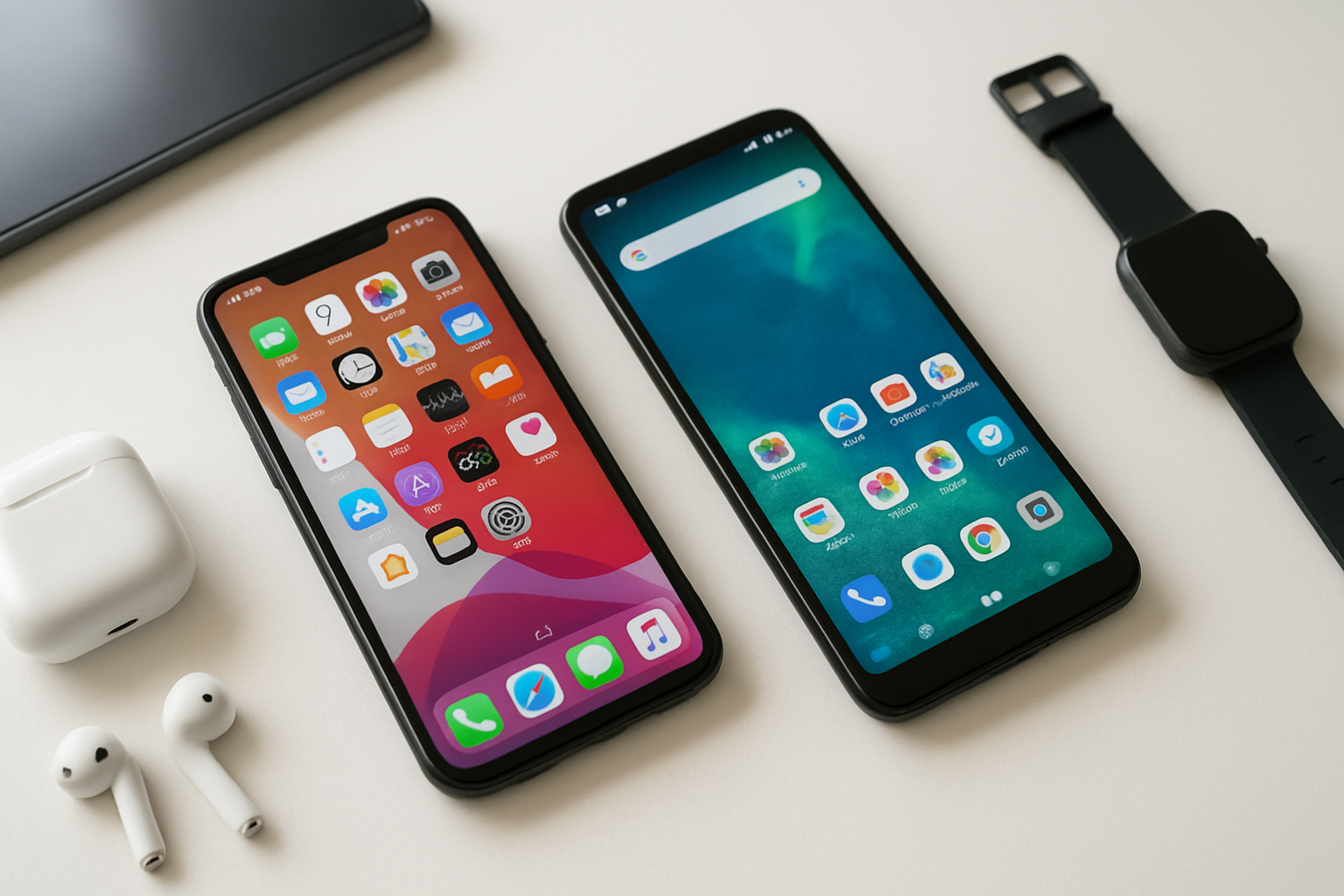
Both iPhone and Android bring unique strengths to the table, making the choice largely dependent on your personal needs and priorities. If you value premium design, seamless device integration, and top-notch privacy protection, iPhone’s ecosystem offers an unmatched experience. On the other hand, Android provides incredible variety, customization options, and budget-friendly alternatives that cater to different lifestyles and price points.
The real winner isn’t about picking the “best” ecosystem – it’s about finding the one that fits your daily routine and long-term tech goals. Consider what matters most to you: Do you want everything to work together effortlessly, or do you prefer having choices and control over your experience? Take time to think about your budget, current devices, and how you actually use your phone. Once you know what you need, the decision becomes much clearer.

Saurabh Kumar is the founder of SaurabhOrbit.com, a hub for tech news, digital marketing insights, and expert blogging advice. With a deep passion for technology and digital strategies, Saurabh simplifies complex trends into actionable insights for readers looking to stay ahead in the digital world. My mission is to empower entrepreneurs, tech enthusiasts, and marketers with the latest tools and knowledge to thrive in the online space.