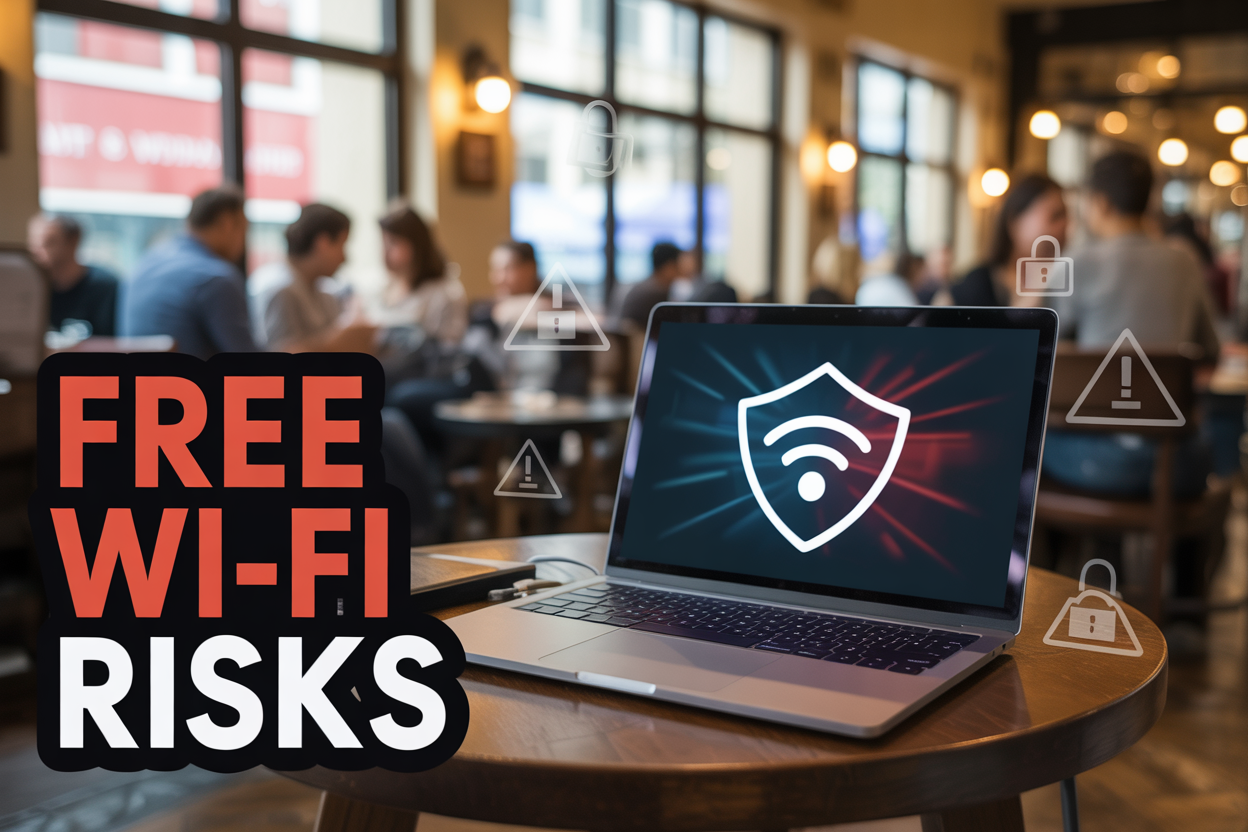
That coffee shop Wi-Fi might be free, but it could cost you your personal information, banking details, or business data. Free Wi-Fi is dangerous because cybercriminals can easily intercept your online activity, steal passwords, and access sensitive files when you connect to unsecured public networks.
This guide is for remote workers, frequent travelers, students, and anyone who regularly uses public internet connections and wants to protect their digital privacy without sacrificing connectivity.
We’ll explore the hidden security threats lurking in public Wi-Fi networks that put your personal and financial information at risk. You’ll discover practical alternatives like mobile hotspots and VPN services that keep you connected safely. We’ll also cover essential security practices you can use when public Wi-Fi is your only option, so you can browse with confidence even on unsecured networks.
Hidden Security Threats in Public Wi-Fi Networks
Unencrypted Data Transmission Exposes Personal Information
Public Wi-Fi networks often lack proper encryption, turning every click into a potential security nightmare. When you connect to these networks, your device sends data through an unprotected channel that cybercriminals can easily intercept. Think of it like shouting your credit card number across a crowded room – anyone listening can catch those details.
Most free hotspots use outdated WEP encryption or no encryption at all. This means your passwords, email content, banking information, and personal messages travel as plain text across the network. Hackers with basic packet-sniffing tools can capture this data in real-time, building detailed profiles of your online activities without you knowing.
Even websites that appear secure can become vulnerable on public networks. While HTTPS provides some protection, skilled attackers can still exploit weaknesses in older encryption protocols or trick your device into connecting through compromised pathways.
Man-in-the-Middle Attacks Target Unsuspecting Users
Cybercriminals position themselves between your device and the internet connection, creating an invisible digital bridge that captures everything you send and receive. This attack method requires minimal technical expertise but delivers maximum damage to unsuspecting victims.
The attacker intercepts your connection requests and forwards them to legitimate websites, creating the illusion of normal browsing while secretly recording every keystroke. They can modify web pages in real-time, inject malicious code, or redirect you to fake login pages that steal your credentials.
These attacks succeed because public Wi-Fi networks lack proper authentication mechanisms. Your device trusts the network connection without verifying its legitimacy, creating perfect conditions for digital eavesdropping. Banking apps, social media accounts, and work emails all become accessible to attackers who maintain this invisible position.
Malicious Hotspots Mimic Legitimate Networks
Cybercriminals create fake Wi-Fi networks that mirror trusted locations, using names like “Starbucks_Free” or “Airport_WiFi” to attract unsuspecting users. These evil twin networks appear identical to legitimate hotspots but serve as data collection points for criminal activity.
Setting up these malicious networks requires only a laptop, smartphone, or portable router – equipment that costs less than $100 and fits in a backpack. Attackers park outside popular venues or set up inside busy locations, broadcasting networks with stronger signals than the legitimate ones.
Once connected, victims unknowingly route all their internet traffic through the attacker’s device. The criminal can monitor web browsing, capture login credentials, install malware, or redirect users to phishing sites. Some sophisticated setups even provide actual internet access to avoid suspicion while secretly harvesting data.
Popular locations like coffee shops, airports, and hotels become prime targets because people expect free Wi-Fi and don’t question multiple network options. The abundance of legitimate networks provides perfect camouflage for malicious ones.
Automatic Connection Settings Create Vulnerability Windows
Modern devices automatically reconnect to previously used networks, creating security gaps that persist long after you leave a location. This convenience feature becomes a liability when cybercriminals exploit your device’s eagerness to connect.
Your phone or laptop remembers network names and automatically joins them when detected, even if the current network is a malicious copycat. Attackers exploit this behavior by broadcasting networks with names your device recognizes, triggering automatic connections without your awareness.
Background apps and system updates continue transmitting data over these automatic connections, potentially exposing sensitive information while you’re unaware your device is even connected. Email synchronization, cloud backups, and app updates all occur silently, creating multiple data exposure points.
Location services and Wi-Fi scanning remain active even when you think you’re disconnected, allowing nearby attackers to track your movements and device information. These passive scanning activities reveal your device’s MAC address, previously connected networks, and movement patterns – valuable intelligence for targeted attacks.
Financial and Identity Risks You Face on Free Networks
Banking Credentials Intercepted During Online Transactions
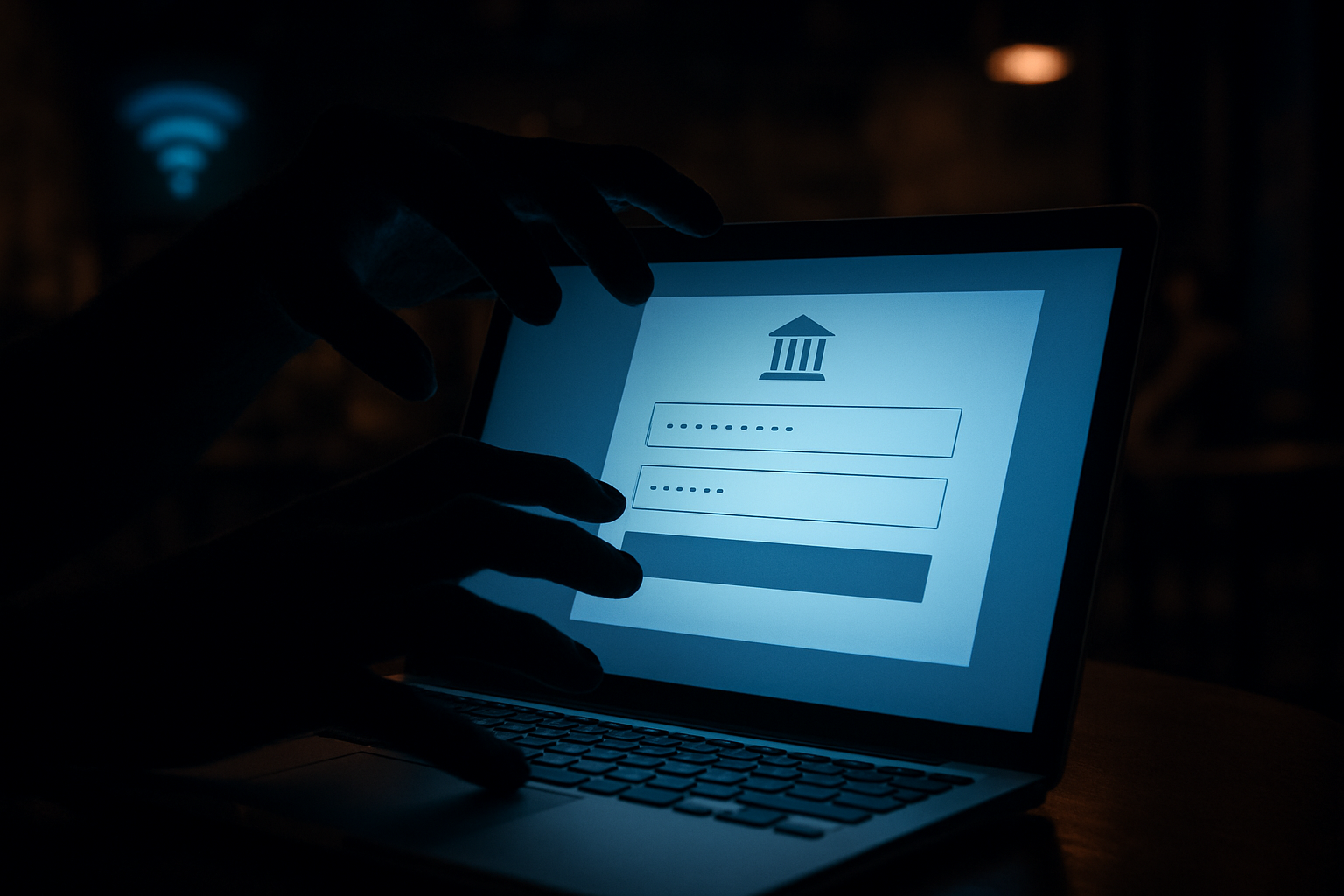
When you check your bank balance or transfer money while connected to public Wi-Fi, every keystroke travels through an unencrypted network that cybercriminals can monitor. Your username, password, and account details become visible to anyone running packet-sniffing software on the same network.
Banking apps and websites use HTTPS encryption, but this protection can fail on compromised networks. Attackers often set up fake Wi-Fi hotspots with names like “Free_Coffee_WiFi” or “Airport_Guest” that mirror legitimate networks. Once you connect, they position themselves between your device and the real internet, creating what security experts call a “man-in-the-middle” attack.
Your banking session gets redirected through their system, allowing them to capture login credentials in real-time. Within minutes, they can access your accounts, transfer funds, or sell your banking information on dark web marketplaces. Even mobile banking apps aren’t immune – malicious networks can inject code that bypasses app security measures.
The damage extends beyond immediate theft. Criminals use stolen banking credentials to establish your financial patterns, learning when you receive paychecks, how much you typically spend, and which accounts hold the most money. This intelligence helps them time future attacks for maximum impact.
Credit Card Information Stolen Through Packet Sniffing
Every online purchase you make on public Wi-Fi broadcasts your credit card details across the network in data packets. Cybercriminals use packet-sniffing tools to capture these transmissions, collecting card numbers, expiration dates, CVV codes, and billing addresses from multiple victims simultaneously.
The process happens invisibly. While you browse shopping websites or enter payment information, malicious software running on the same network records every data packet your device sends. Popular sniffing tools like Wireshark make this process surprisingly simple, requiring minimal technical expertise.
Payment processors implement tokenization and encryption, but these protections can be circumvented on compromised networks. Attackers often target the moment when your card information moves from the checkout page to the payment processor – a vulnerable window where data might appear in plain text.
Stolen credit card information sells quickly on criminal marketplaces. Buyers use your details for online purchases, create counterfeit cards, or combine your financial data with other stolen information to commit large-scale fraud. The average stolen credit card sells for $5-50 on the dark web, but criminals often extract far more value through strategic spending.
Personal Identity Details Harvested for Fraud
Public Wi-Fi networks become goldmines for identity thieves who collect the personal information needed to impersonate you. Social Security numbers, birthdates, addresses, phone numbers, and family details all flow through unsecured connections when you access various websites and services.
Email accounts represent particularly valuable targets. Criminals who gain access to your email can reset passwords for other accounts, access tax documents, view medical records, and intercept verification codes for financial services. Your inbox contains years of personal history that identity thieves use to build comprehensive profiles.
Social media activity on public networks exposes relationship details, work information, travel plans, and personal preferences. Criminals combine this data with information from data breaches to answer security questions, apply for credit in your name, or convince customer service representatives they’re actually you.
The harvested information enables sophisticated fraud schemes. Criminals file fraudulent tax returns using your Social Security number, open credit cards and loans in your name, access your healthcare benefits, or even assume your identity completely. Recovery from identity theft takes an average of 200 hours and costs victims thousands in legal fees and lost wages.
Professional identity theft rings operate like businesses, with specialists who focus on different types of data collection and fraud execution. Your personal information becomes a commodity traded between criminals, potentially causing problems for years after the initial theft occurred.
Business Data Breaches Through Unsecured Connections
Corporate Email Accounts Compromised on Public Wi-Fi
Business email accounts become sitting ducks when accessed over unsecured public networks. Hackers position themselves between your device and the Wi-Fi router, intercepting login credentials as they travel unencrypted. Once inside your corporate email, cybercriminals can impersonate executives, initiate fraudulent wire transfers, or gather intelligence about upcoming deals and partnerships.
The damage extends beyond immediate financial loss. Compromised email accounts provide attackers with a treasure trove of business relationships, giving them everything needed to launch sophisticated social engineering attacks against clients, partners, and suppliers. Your company’s reputation suffers when customers receive phishing emails from what appears to be your legitimate business account.
Confidential Documents Accessed by Cybercriminals
Public Wi-Fi networks create an open highway for document theft. When employees download contracts, financial reports, or strategic plans over unsecured connections, these files pass through potentially compromised infrastructure. Cybercriminals use packet-sniffing tools to capture and reassemble transmitted data, gaining access to sensitive documents without ever touching your company’s servers.
Cloud storage services compound this risk. While platforms like Dropbox and Google Drive encrypt data in transit, the authentication process often occurs over unprotected channels on public networks. Attackers can capture session tokens, allowing them to access your cloud accounts and download entire folders of confidential information.
Client Information Exposed Through Unsecured File Transfers
Customer data represents one of your business’s most valuable and vulnerable assets. When employees transfer client files, contact lists, or transaction records over public Wi-Fi, they expose personally identifiable information to potential theft. This exposure can trigger regulatory violations under GDPR, CCPA, or industry-specific compliance requirements like HIPAA.
The financial impact goes beyond regulatory fines. Data breaches destroy customer trust and can result in class-action lawsuits. Small businesses particularly struggle to recover from client data exposure, as they lack the resources for extensive damage control and often face permanent reputation damage in tight-knit professional communities.
Remote Work Sessions Monitored by Malicious Actors
Remote desktop connections and VPN sessions over public Wi-Fi create windows into your entire corporate network. Attackers can monitor keystrokes, screen activity, and file access patterns, building detailed profiles of your business operations. This surveillance allows cybercriminals to identify high-value targets, understand security protocols, and plan more sophisticated attacks.
Video conferences conducted over unsecured networks expose strategic discussions, merger negotiations, and product development plans to eavesdropping. The proliferation of remote work has made these attacks increasingly common, with cybercriminals specifically targeting coffee shops, hotels, and coworking spaces frequented by business travelers.
Intellectual Property Theft Through Network Infiltration
Your company’s intellectual property—from product designs to marketing strategies—becomes vulnerable when employees access development systems over public networks. Cybercriminals target specific industries, setting up fake Wi-Fi hotspots near tech companies, law firms, and research facilities to capture proprietary information.
The theft often goes undetected for months or years, only becoming apparent when competitors mysteriously launch similar products or when proprietary information appears in unexpected places. By then, the damage to competitive advantage and market position can be irreversible, making prevention through secure networking practices absolutely critical for protecting long-term business interests.
Secure Internet Alternatives to Public Wi-Fi
Mobile Hotspot Creates Private Encrypted Network
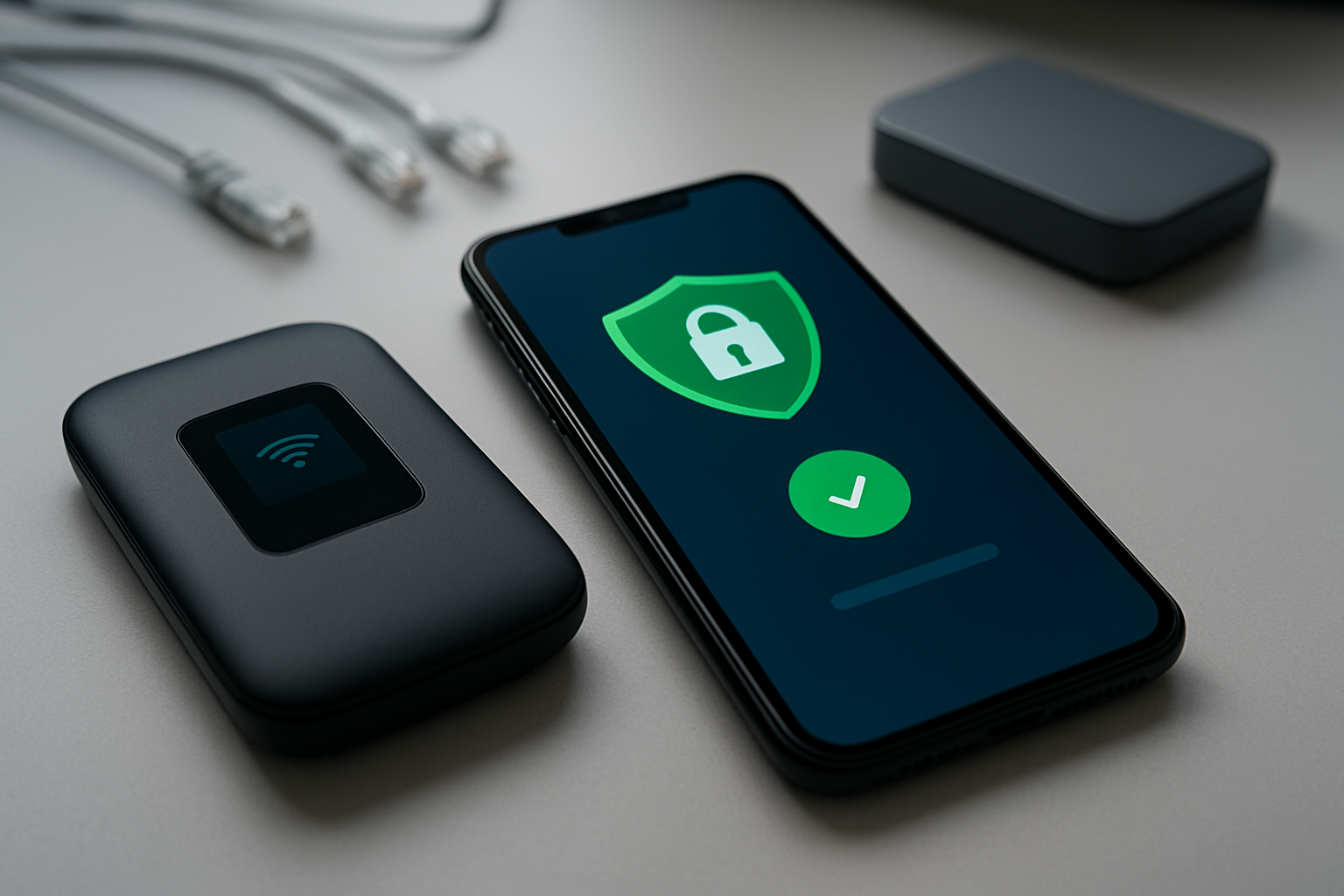
Your smartphone’s hotspot feature transforms your device into a personal Wi-Fi router, creating an encrypted bubble of security around your internet connection. When you enable hotspot mode, your phone broadcasts a private network that only you control, complete with WPA2 or WPA3 encryption that scrambles all data flowing through it.
Setting up a mobile hotspot takes seconds. Most phones let you activate it through quick settings or the main settings menu. You can customize the network name and password, ensuring only trusted devices connect. The connection runs through your cellular carrier’s towers, which maintain significantly higher security standards than public Wi-Fi operators.
Battery life becomes your main concern when using hotspot mode. Modern smartphones can share internet for 4-8 hours depending on usage intensity and connected devices. Portable battery packs or car chargers solve this limitation easily. Some carriers offer dedicated hotspot devices that provide longer battery life and can connect more devices simultaneously.
Data usage mirrors your normal internet activity since the hotspot uses your cellular plan’s allocation. Streaming videos or downloading large files will consume data quickly, but basic browsing, email, and messaging use minimal amounts.
VPN Services Protect Data on Any Connection
Virtual Private Networks create an encrypted tunnel between your device and the internet, scrambling your data before it leaves your device. Even if someone intercepts your traffic on public Wi-Fi, they see only gibberish instead of readable information like passwords or personal details.
Quality VPN services operate servers worldwide, letting you route traffic through different locations. This geographic flexibility provides both privacy and access benefits. Your internet service provider, hackers, and even government agencies cannot monitor your online activities when using a properly configured VPN.
Choosing the right VPN requires careful evaluation. Free services often log your data or inject advertisements, defeating privacy purposes. Paid services like NordVPN, ExpressVPN, or Surfshark typically offer no-logging policies, military-grade encryption, and reliable connection speeds. Monthly costs range from $3-15 depending on features and subscription length.
Installation works across all devices. Desktop applications, mobile apps, and browser extensions make VPN activation simple. Many services allow 5-10 simultaneous connections, protecting your entire family’s devices under one subscription. Connection speeds may decrease slightly due to encryption overhead, but reputable providers minimize this impact.
Cellular Data Plans Offer Better Security Than Free Wi-Fi
Cellular networks employ multiple layers of security that public Wi-Fi simply cannot match. Your phone authenticates with cell towers using unique identifiers and encryption keys that change regularly. This process makes intercepting cellular data exponentially more difficult than capturing Wi-Fi transmissions.
Cell towers use licensed spectrum bands regulated by government agencies, creating controlled environments where operators must maintain security standards. Public Wi-Fi operates on unlicensed frequencies that anyone can broadcast on, creating opportunities for malicious actors to set up fake networks.
Modern 4G and 5G networks encrypt data from your device to the cell tower by default. This built-in protection covers all internet traffic without requiring additional software or configuration. The encryption protocols used by cellular networks receive regular updates and security patches from network operators.
Data plan costs have decreased significantly while offering more generous allowances. Many carriers provide unlimited plans or high-data options that make cellular internet practical for regular use. Unlimited plans typically cost $50-80 monthly, while capped plans with 10-50GB often cost $30-60. These prices compare favorably to the potential costs of identity theft or data breaches from using compromised public networks.
Some carriers offer specific security features like fraud monitoring, spam call blocking, and secure browsing options that add extra protection layers to your cellular connection.
Essential Security Practices When Wi-Fi Is Unavoidable
Two-Factor Authentication Adds Critical Protection Layer
Two-factor authentication (2FA) creates a security barrier that hackers struggle to breach, even when they’ve intercepted your login credentials over public Wi-Fi. When someone captures your password through packet sniffing or man-in-the-middle attacks, they still can’t access your accounts without the second authentication factor.
The most effective 2FA methods include:
- SMS codes sent to your phone (basic protection)
- Authenticator apps like Google Authenticator or Authy (stronger security)
- Hardware keys such as YubiKey (maximum security)
- Biometric verification through fingerprints or facial recognition
Enable 2FA on every account that supports it, prioritizing email, banking, social media, and cloud storage services. Authenticator apps work better than SMS because they generate codes locally on your device, making them harder for attackers to intercept.
HTTPS-Only Browsing Encrypts Website Communications
HTTPS creates an encrypted tunnel between your device and websites, protecting your data even over compromised networks. This encryption scrambles your information so that anyone monitoring the network sees only meaningless code instead of your passwords, personal details, or browsing activity.
Modern browsers offer HTTPS-only modes that automatically redirect you to secure versions of websites. Enable this feature in Chrome by navigating to Settings > Privacy and Security > Advanced, or in Firefox through Settings > Privacy & Security. Install browser extensions like HTTPS Everywhere for additional protection on older browsers.
Look for the padlock icon in your address bar before entering sensitive information. Sites without HTTPS encryption leave your data completely visible to anyone monitoring the network traffic.
Disable Auto-Connect Features to Prevent Accidental Connections
Auto-connect features turn your device into a security liability by automatically joining any network your phone remembers. Cybercriminals create fake hotspots with names like “Free_WiFi” or “Airport_Guest” that your device might connect to without your knowledge.
Disable these risky settings:
- Auto-join for saved networks
- Ask to join notifications for new networks
- Wi-Fi sync across your devices
- Hotspot suggestions from your operating system
On iOS, tap the “i” next to each network name and toggle off “Auto-Join.” Android users should go to Wi-Fi settings, tap the gear icon, and disable “Connect to open networks” and “Network notifications.”
Use Firewall Protection to Block Unauthorized Access
Firewalls monitor incoming and outgoing network traffic, blocking suspicious connections that could compromise your device. Public networks expose your device to other users on the same network, making firewall protection essential for preventing unauthorized access to your files and personal information.
Most operating systems include built-in firewalls that you should activate before connecting to any public network:
| Device Type | Firewall Location | Key Settings |
|---|---|---|
| Windows | Settings > Update & Security > Windows Security | Enable for public networks |
| macOS | System Preferences > Security & Privacy > Firewall | Turn on stealth mode |
| iOS | Built-in protection | Always active |
| Android | Settings > Connections > More connection settings | Enable if available |
Third-party firewall applications offer more granular control, allowing you to block specific applications from accessing the internet or restrict certain types of network traffic. These tools prove especially valuable for business users handling sensitive company data over public connections.
Free Wi-Fi might seem like a great deal, but the hidden costs to your security and privacy are enormous. From hackers stealing your personal information to cybercriminals accessing your banking details, public networks create serious vulnerabilities that put both individuals and businesses at risk. The convenience of connecting anywhere simply isn’t worth having your identity stolen or your company’s sensitive data compromised.
Your best bet is to use your phone’s hotspot feature or invest in a portable Wi-Fi device for secure internet access on the go. When you absolutely must connect to public Wi-Fi, always use a VPN, avoid accessing sensitive accounts, and turn off automatic connections on your devices. Taking these simple steps will keep your digital life safe while still giving you the connectivity you need.

Saurabh Kumar is the founder of SaurabhOrbit.com, a hub for tech news, digital marketing insights, and expert blogging advice. With a deep passion for technology and digital strategies, Saurabh simplifies complex trends into actionable insights for readers looking to stay ahead in the digital world. My mission is to empower entrepreneurs, tech enthusiasts, and marketers with the latest tools and knowledge to thrive in the online space.