Choosing between 5G vs. fiber internet can feel overwhelming when every provider promises lightning-fast speeds you might not even need. This guide is for homeowners, remote workers, and anyone trying to cut through the marketing noise to find the right internet solution for their actual usage.
Most people assume faster always means better, but the reality is more nuanced. We’ll break down how 5G and fiber technologies actually work and what speeds they deliver in real-world conditions. You’ll also learn how to honestly assess your internet habits – from streaming and gaming to video calls and file uploads – so you can match your plan to your lifestyle instead of overpaying for unused bandwidth.
By the end, you’ll know exactly which option makes sense for your home, budget, and daily internet needs.
Understanding 5G Technology and Its Speed Capabilities
How 5G Networks Deliver Ultra-Fast Mobile Internet
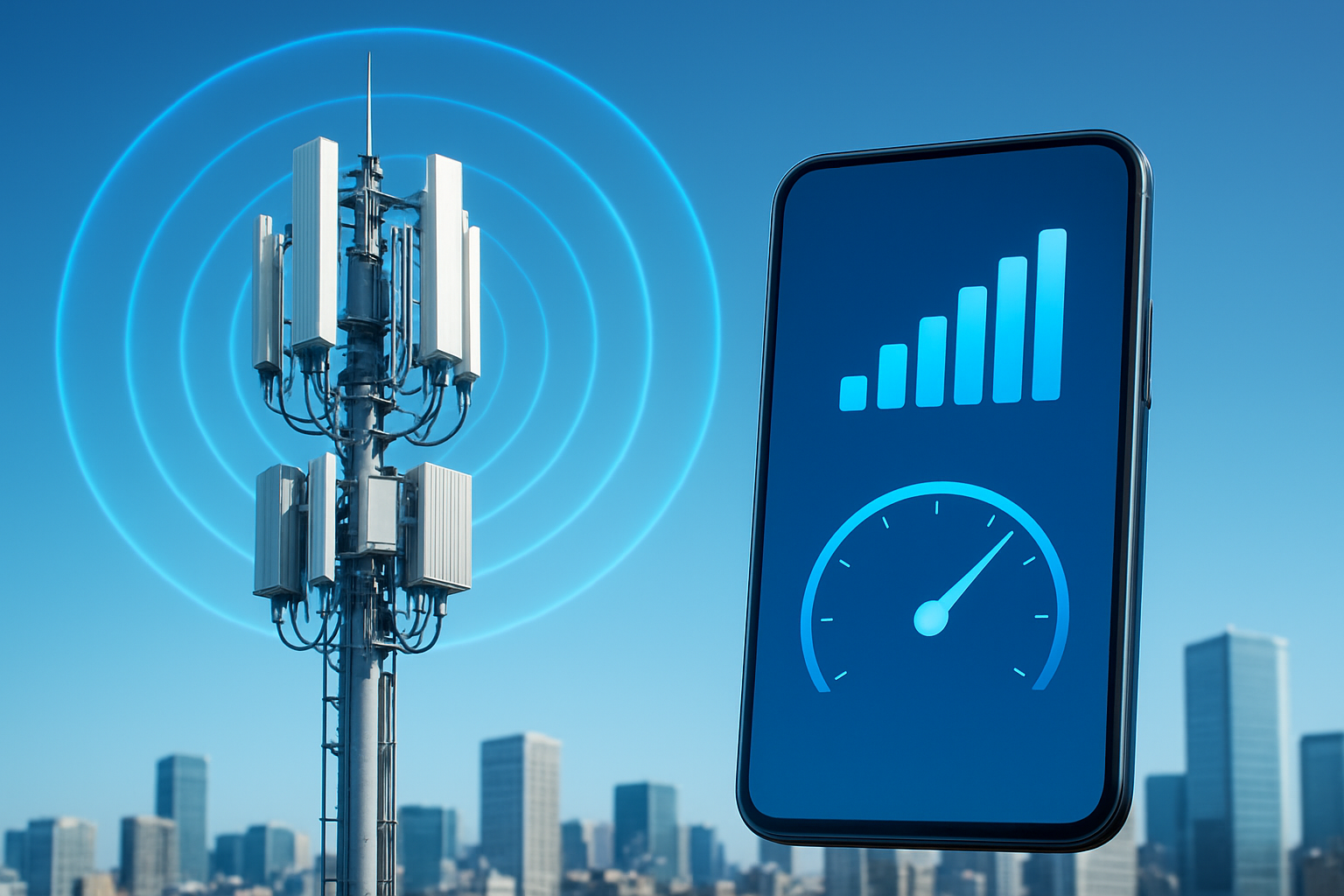
Fifth-generation wireless technology revolutionizes mobile connectivity through advanced radio wave frequencies and network architecture. Unlike previous generations, 5G operates across three distinct frequency bands: low-band (sub-1GHz), mid-band (1-6GHz), and high-band millimeter wave (24-100GHz). Each band serves different purposes and delivers varying performance levels.
The magic happens through massive MIMO (Multiple Input Multiple Output) technology, which uses dozens or even hundreds of antennas at cell towers to communicate with multiple devices simultaneously. This creates focused beams of radio signals rather than broadcasting in all directions, dramatically improving efficiency and speed.
Network slicing represents another breakthrough innovation. 5G networks can create virtual dedicated lanes for different types of traffic. Emergency services might get priority access, while streaming services receive optimized bandwidth allocation. This intelligent traffic management ensures consistent performance even during peak usage periods.
The technology also reduces latency to as low as 1 millisecond through edge computing. Processing happens closer to your device rather than traveling to distant data centers, creating near-instantaneous response times that make real-time applications like remote surgery or autonomous vehicles possible.
Real-World 5G Speed Performance and Coverage Areas
Current 5G networks deliver varying speeds depending on location and network configuration. Millimeter wave 5G, primarily deployed in dense urban areas, can reach download speeds of 1-4 Gbps under ideal conditions. However, these ultra-high frequencies have limited range and struggle to penetrate buildings or obstacles.
Mid-band 5G offers the sweet spot for most users, providing speeds between 100-900 Mbps with better coverage and building penetration. Major cities across the United States now have robust mid-band coverage, with carriers continuously expanding their networks.
| 5G Type | Typical Speed Range | Coverage Area | Building Penetration |
|---|---|---|---|
| Low-band | 30-250 Mbps | Nationwide | Excellent |
| Mid-band | 100-900 Mbps | Urban/Suburban | Good |
| Millimeter Wave | 1-4 Gbps | Dense Urban | Poor |
Rural areas primarily receive low-band 5G, which offers modest speed improvements over 4G LTE but provides extensive coverage. These networks typically deliver 30-250 Mbps, which still represents a significant upgrade for areas previously limited to slower connections.
Real-world performance often falls short of theoretical maximums due to network congestion, distance from cell towers, and environmental factors. Peak speeds usually occur during off-peak hours in areas with robust infrastructure.
Equipment Requirements for Accessing 5G Networks
Getting 5G requires compatible devices and proper network access. Modern smartphones released after 2020 typically include 5G capabilities, but older devices cannot access these networks regardless of coverage availability. Popular 5G-enabled phones include recent iPhone models (12 series and newer), Samsung Galaxy devices, and Google Pixel phones.
Beyond smartphones, 5G modems and hotspot devices enable internet access for laptops, tablets, and other connected devices. These portable routers create Wi-Fi networks powered by 5G cellular connections, making them ideal for remote work or travel situations.
Home 5G internet services require specialized gateway devices provided by carriers. These units connect to 5G towers and broadcast Wi-Fi signals throughout your home, similar to traditional cable or fiber modems. Installation typically involves placing the gateway near a window facing the nearest 5G tower for optimal signal reception.
Essential 5G Equipment:
- 5G-compatible smartphone or device
- 5G home gateway (for home internet service)
- 5G mobile hotspot (for portable internet)
- External antennas (optional, for signal boosting)
Some users invest in external antennas or signal boosters to improve reception, particularly in areas with weaker 5G coverage or homes with thick walls that block radio signals.
Cost Structure of 5G Internet Plans
5G pricing varies significantly between carriers and service types. Mobile 5G typically comes bundled with unlimited smartphone plans ranging from $60-100 monthly for single lines, with family plans offering per-line discounts. Premium tiers often include additional perks like streaming service subscriptions or mobile hotspot data allowances.
Home 5G internet services generally cost $50-70 monthly, positioning them competitively against cable internet options. Many carriers offer promotional pricing or bundle discounts when combined with mobile services. Some providers include equipment rental in monthly fees, while others require upfront device purchases.
Typical 5G Pricing Structure:
- Mobile unlimited plans: $60-100/month
- Home internet service: $50-70/month
- Mobile hotspot data: $10-25 per GB
- Equipment fees: $0-15/month rental
Data prioritization affects pricing tiers. Higher-cost plans typically receive priority network access during congested periods, while budget options may experience slower speeds when towers become overloaded. Understanding these differences helps consumers choose plans matching their usage patterns and performance expectations.
Contract requirements vary by carrier, with some offering month-to-month flexibility while others provide discounts for longer commitments. Early termination fees and equipment return policies should be carefully reviewed before signing up for 5G services.
Exploring Fiber Internet Technology and Performance
How Fiber Optic Cables Provide Consistent High-Speed Internet
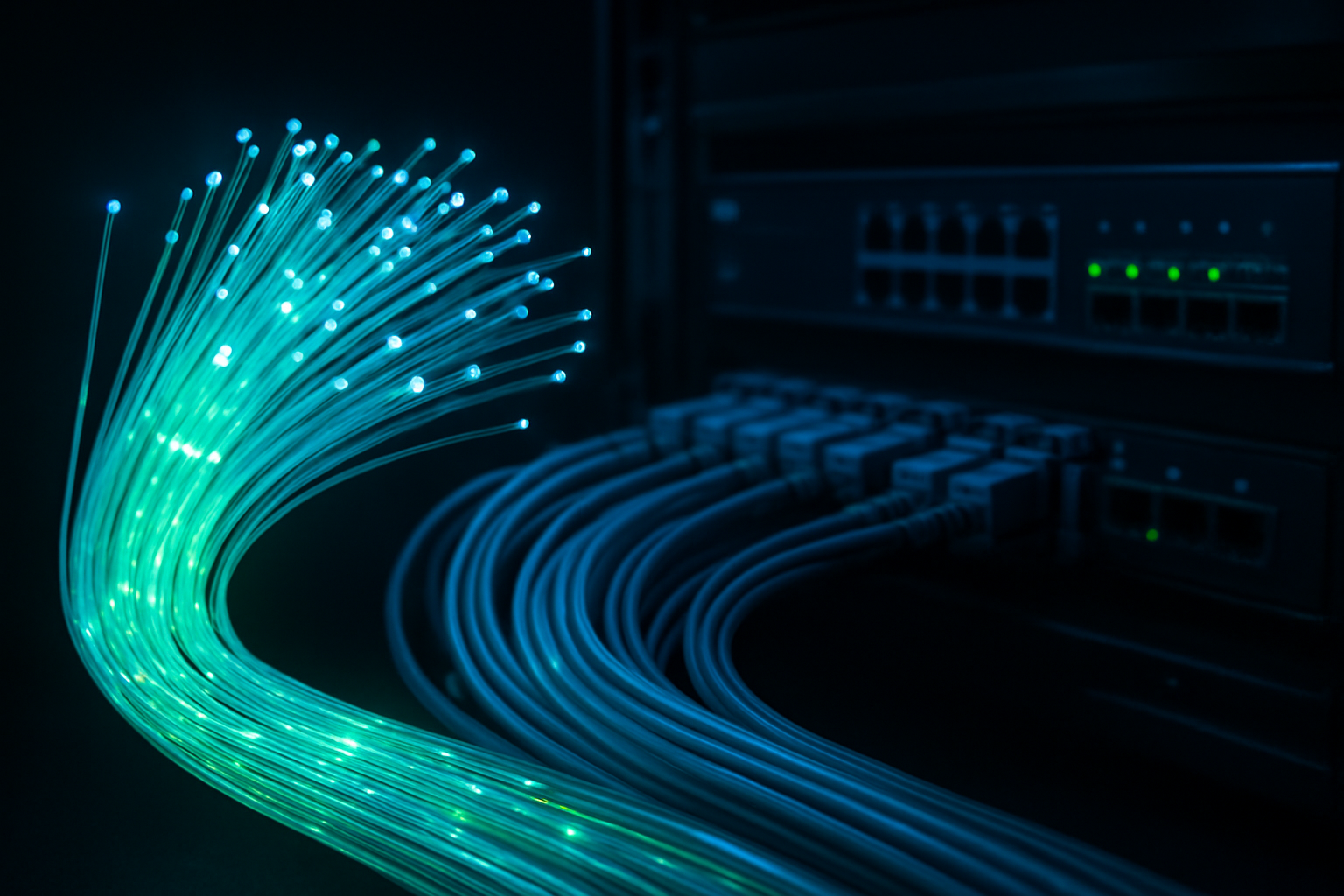
Fiber optic cables transmit data using pulses of light through thin glass or plastic strands, creating a fundamentally different approach to internet connectivity compared to traditional copper cables. This light-based transmission method eliminates electrical interference and signal degradation that plague older technologies. The cables contain multiple glass fibers, each thinner than a human hair, bundled together and protected by several layers of coating.
The physics behind fiber optics enables data to travel at nearly the speed of light with minimal loss over long distances. Unlike copper cables that experience signal weakening after a few hundred feet, fiber maintains signal strength across miles without requiring amplification. This consistency means your internet speed remains stable whether you’re downloading files at 2 PM or streaming during peak evening hours.
Weather conditions rarely affect fiber performance since glass doesn’t conduct electricity or suffer from electromagnetic interference. Rain, snow, or electrical storms that might disrupt other connection types leave fiber networks largely unaffected. The dedicated nature of fiber connections also means you’re not sharing bandwidth with neighbors like you might with cable internet, ensuring your paid speed remains available when you need it most.
Upload and Download Speed Advantages of Fiber
Fiber internet delivers symmetrical speeds, meaning your upload and download speeds match exactly. If you’re paying for 1 Gbps fiber, you get 1 Gbps in both directions. This symmetry proves crucial for modern internet usage patterns that involve significant uploading activities.
| Connection Type | Download Speed | Upload Speed | Speed Ratio |
|---|---|---|---|
| Cable Internet | 100 Mbps | 10 Mbps | 10:1 |
| DSL | 25 Mbps | 3 Mbps | 8:1 |
| Fiber | 1000 Mbps | 1000 Mbps | 1:1 |
Remote workers benefit enormously from symmetrical speeds when participating in video conferences, uploading large files to cloud storage, or streaming content to colleagues. Content creators who regularly upload videos, backup photos, or share design files find fiber’s upload capabilities game-changing compared to the limited upload speeds of cable or DSL connections.
Fiber’s low latency also sets it apart from other technologies. Data packets travel faster through light than electrical signals, resulting in ping times often below 10 milliseconds. Gamers experience less lag, video calls feel more natural with reduced delay, and real-time applications respond more quickly.
Installation Process and Infrastructure Requirements
Fiber installation requires running new cables directly to your property, which can involve significant infrastructure work. The process typically starts with checking if fiber lines already exist in your neighborhood. Many areas still lack fiber infrastructure, particularly rural locations where the cost of running cables doesn’t justify the potential customer base.
When fiber is available, installation teams need to:
- Run fiber cables from the street to your home
- Install an Optical Network Terminal (ONT) inside your residence
- Connect the ONT to your router or networking equipment
- Test the connection and configure your service
The installation might require trenching across your yard or running aerial cables from utility poles. Some providers offer underground installation to maintain your landscape’s appearance, though this process takes longer and may cost more.
Building owners in apartments or condos face additional challenges since fiber installation requires cooperation from property management and potentially affects multiple units. The infrastructure investment means fiber providers often require service commitments or charge installation fees, especially for new construction areas.
Existing homes may need electrical work to properly ground the fiber equipment, and the ONT requires a power source with battery backup to maintain service during outages. The physical installation process usually takes 2-4 hours, though scheduling and permitting can extend the timeline significantly.
Speed Comparison Between 5G and Fiber Networks
Peak Speed Potential of Each Technology
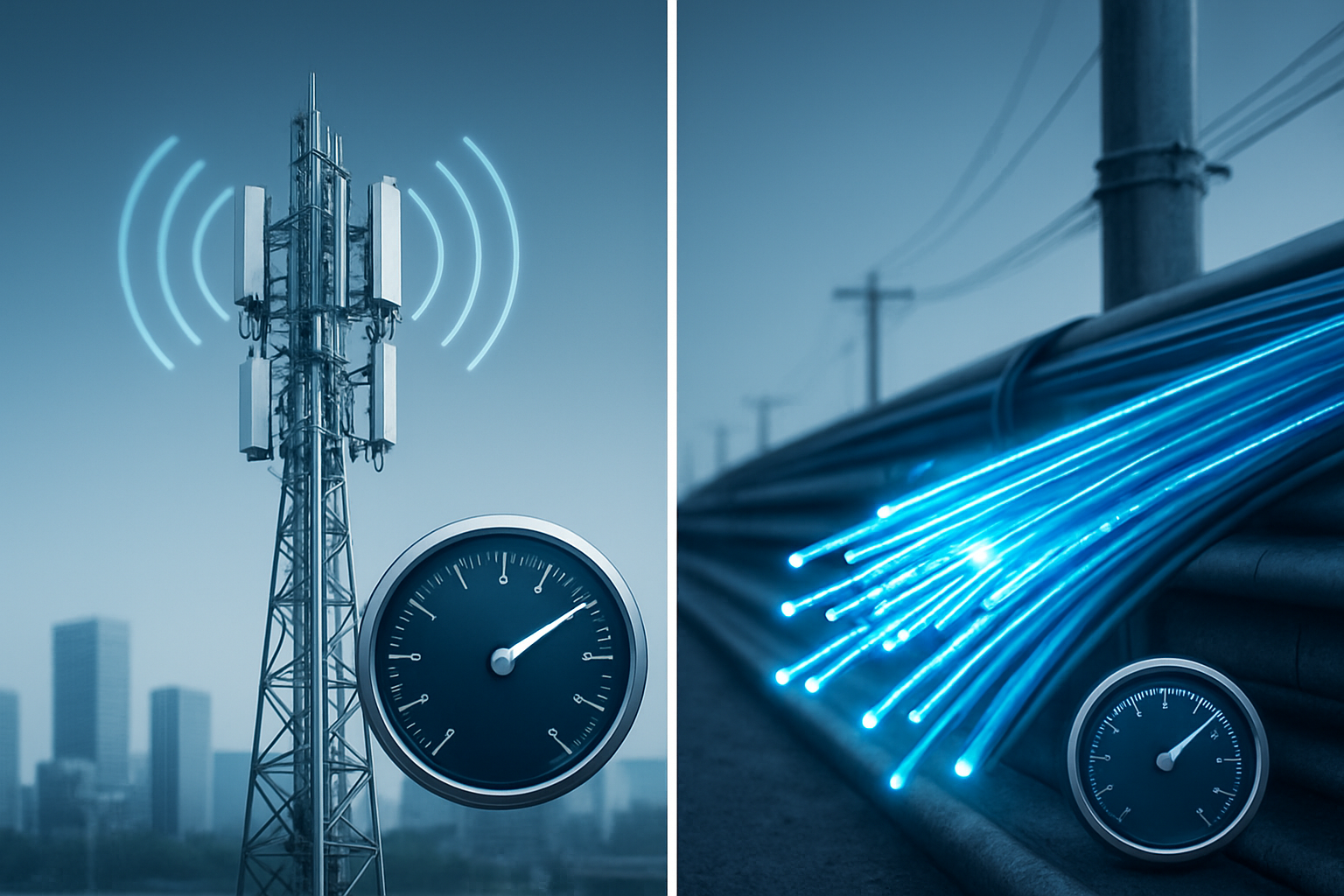
5G networks can theoretically reach blazing speeds of up to 20 Gbps under perfect conditions, but real-world speeds typically range between 100-400 Mbps for most consumers. The actual speeds you’ll experience depend heavily on your location, carrier infrastructure, and how many people are using the same cell tower.
Fiber internet consistently delivers on its speed promises, with residential plans commonly offering 500 Mbps to 10 Gbps. Unlike 5G, fiber doesn’t rely on radio waves that can be disrupted – data travels through light pulses in glass cables. This means you’re more likely to get the speeds you’re paying for.
| Technology | Theoretical Max | Typical Real-World Speeds |
|---|---|---|
| 5G | Up to 20 Gbps | 100-400 Mbps |
| Fiber | Up to 100+ Gbps | 500 Mbps – 10 Gbps |
Consistency and Reliability During Peak Usage Hours
Peak hours reveal the biggest differences between these technologies. When everyone comes home and starts streaming Netflix, 5G networks often slow down significantly. Cell towers have limited capacity, and speeds can drop by 50-70% during busy evening hours.
Fiber networks handle peak usage much better. Each fiber connection is essentially a dedicated pathway to your home, so your neighbor’s binge-watching session won’t affect your connection speed. While some slowdowns can occur at the internet service provider level, they’re typically much less noticeable than 5G’s peak-hour struggles.
Latency Differences for Gaming and Video Calls
Gamers and video conferencing users care deeply about latency – the delay between sending and receiving data. 5G networks typically deliver latency between 20-50 milliseconds, which is decent but not exceptional.
Fiber connections shine here, often achieving latency as low as 1-5 milliseconds. This difference matters for competitive gaming where split-second reactions count. Video calls also feel more natural with fiber’s ultra-low latency, eliminating that awkward delay where people talk over each other.
Performance Under Various Weather Conditions
Weather affects these technologies differently. 5G signals can weaken during heavy rain, snow, or even thick fog. The higher frequency 5G signals (mmWave) are particularly sensitive to weather interference, sometimes losing connection entirely during storms.
Fiber internet remains rock-solid regardless of weather conditions. Since the cables are buried underground or run through protected overhead lines, rain, snow, wind, and temperature changes have virtually no impact on your connection speed or reliability.
Determining Your Actual Internet Usage Needs
Bandwidth Requirements for Streaming and Entertainment
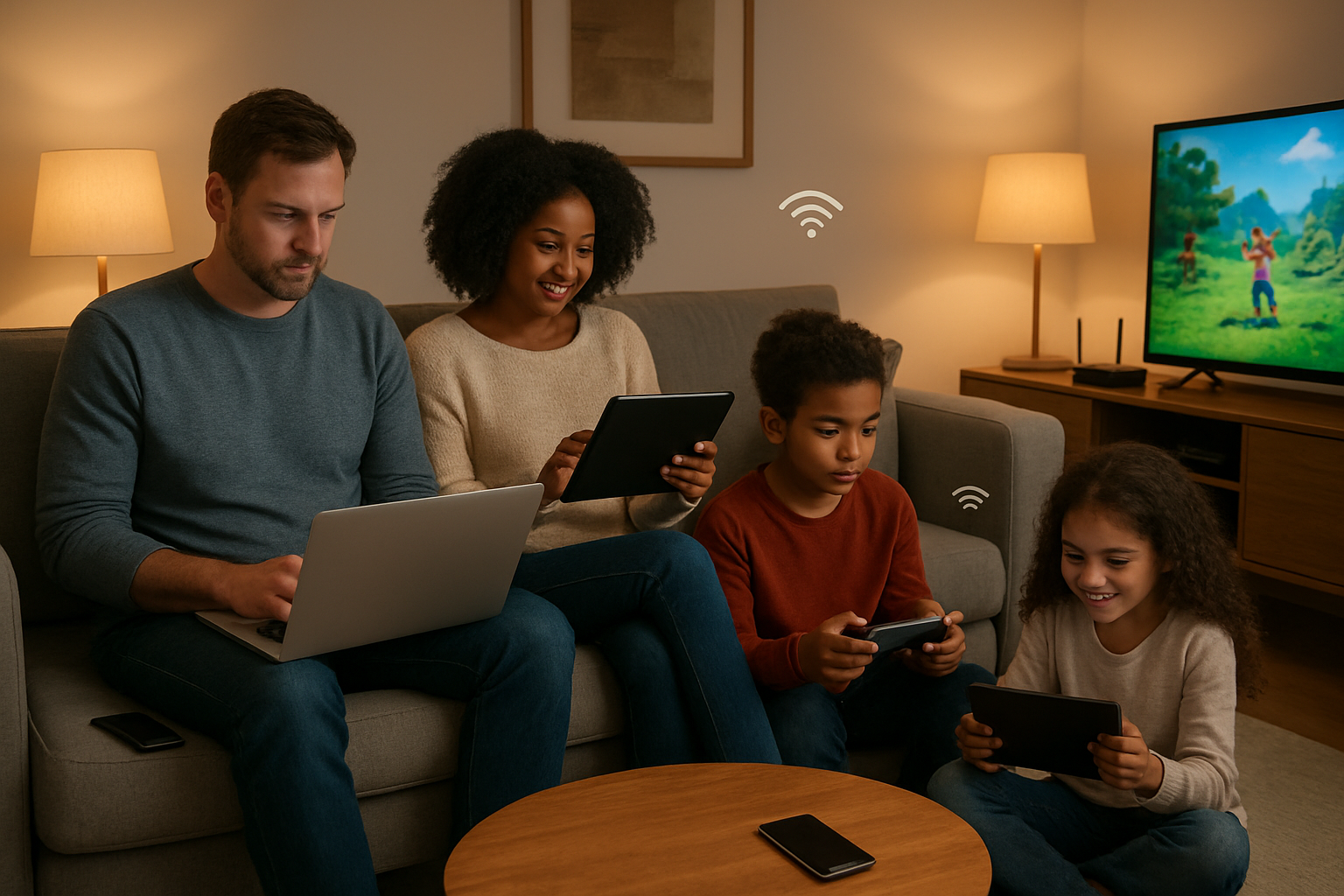
When choosing between 5G and fiber for streaming, understanding your household’s viewing habits makes all the difference. Standard HD streaming on Netflix requires about 5 Mbps per device, while 4K content jumps to 25 Mbps. If you’ve got multiple family members watching different shows simultaneously, those numbers add up fast.
Here’s what different streaming activities actually need:
| Activity | Bandwidth Required | Multiple Users (3-4 people) |
|---|---|---|
| HD Streaming | 5-8 Mbps per stream | 15-32 Mbps |
| 4K/UHD Streaming | 25-35 Mbps per stream | 75-140 Mbps |
| Live TV Streaming | 10-15 Mbps per stream | 30-60 Mbps |
| Music Streaming | 1-3 Mbps | 3-12 Mbps |
Smart TVs, gaming consoles, and streaming devices also download updates in the background, which can suddenly spike your bandwidth usage. If your household regularly streams 4K content on multiple devices while someone else games online, you’ll want at least 100-200 Mbps of consistent speed.
Speed Needs for Remote Work and Video Conferencing
Remote work has changed how we think about internet requirements. Video calls eat up more bandwidth than most people realize, especially when you factor in screen sharing and high-definition video.
Basic video conferencing needs break down like this:
- Standard video calls: 1-4 Mbps upload/download
- HD video conferencing: 5-10 Mbps each direction
- Group calls with screen sharing: 10-20 Mbps
- Professional broadcasting/webinars: 20-50 Mbps upload
Upload speed becomes critical for remote workers. While downloading files happens occasionally, you’re constantly uploading your video feed, voice, and shared content. Many home internet plans offer much slower upload speeds than download speeds, which can make video calls choppy or cause frequent disconnections.
Cloud-based work applications like Google Workspace, Microsoft 365, and project management tools run continuously in the background. Large file uploads to cloud storage, video presentations, and real-time collaboration tools can easily consume 50-100 Mbps during peak work hours.
Gaming Performance Requirements and Recommendations
Gaming demands differ dramatically depending on what you play and how seriously you take it. Casual mobile games need minimal bandwidth, while competitive online gaming and game streaming require robust, consistent connections.
Online Gaming Bandwidth Needs:
- Casual online games: 1-3 Mbps
- Competitive multiplayer: 3-6 Mbps
- Game streaming (Stadia, GeForce Now): 15-35 Mbps
- Game downloads and updates: 50+ Mbps recommended
Latency matters more than raw speed for most gaming. You need consistent ping times under 50ms for competitive play, with under 20ms being ideal. Both 5G and fiber can deliver these speeds, but consistency varies significantly.
Game file sizes have exploded in recent years. Call of Duty updates can exceed 50GB, and new AAA games often require 100GB+ downloads. Without adequate bandwidth, these downloads can take hours or even days to complete.
Streaming your gameplay adds another layer of bandwidth requirements. Twitch streaming in 1080p needs 6-8 Mbps upload speed, while 4K streaming requires 20-30 Mbps upload consistently.
Making the Right Choice Based on Your Situation

Best Option for Urban vs Rural Locations
Urban areas typically offer both 5G and fiber options, giving you the luxury of choice. Fiber internet generally provides the most reliable experience in cities, with consistent speeds regardless of network congestion. Major fiber providers like Verizon Fios and Google Fiber deliver symmetrical upload and download speeds that work perfectly for video calls, streaming, and working from home.
5G in urban environments can be incredibly fast when you’re near a cell tower, but speeds often drop during peak hours when everyone’s using their phones. The signal can also weaken inside buildings or when weather conditions interfere with transmission.
Rural locations face different challenges entirely. Fiber infrastructure requires expensive cable installation that many providers skip in less populated areas. When fiber is available in rural regions, it’s often your best long-term investment despite potentially higher installation costs.
5G coverage in rural areas remains spotty, though carriers are expanding their networks. Fixed wireless 5G can be a game-changer for rural homes that have struggled with slow DSL or satellite internet. Companies like T-Mobile and Verizon now offer home 5G services that can deliver 50-100 Mbps speeds to previously underserved areas.
Check coverage maps carefully before committing to either technology. Rural 5G might promise high speeds but deliver disappointingly slow connections if you’re far from towers.
Budget Considerations and Long-Term Value
Fiber internet typically costs between $50-80 monthly for residential plans, with some premium gigabit services reaching $100-150. The upfront costs are usually minimal – most providers waive installation fees or charge around $100 for professional setup.
5G home internet often appears cheaper initially, with plans ranging from $30-60 per month. However, these prices can increase after promotional periods end. Some carriers bundle 5G home internet with mobile phone plans, creating potential savings for families already using that carrier.
Hidden costs matter when comparing options. Fiber connections rarely have data caps, while some 5G plans throttle speeds after you hit monthly limits. Video streaming families can easily consume 500GB-1TB monthly, making unlimited plans essential.
Equipment costs differ significantly too. Fiber providers typically include modems and routers in their monthly fees. 5G services might require purchasing compatible gateway devices costing $200-400, though many carriers offer equipment financing.
Long-term value favors fiber in most situations. Fiber infrastructure lasts decades with minimal degradation, while 5G technology continues evolving rapidly. Your 5G equipment might become outdated within 3-5 years, requiring upgrades to maintain optimal performance.
Consider total cost of ownership over three years rather than just monthly fees when making decisions.
Future-Proofing Your Internet Investment
Technology needs will only increase over the coming decade. Virtual reality gaming, 4K streaming on multiple devices, and remote work demands will push household bandwidth requirements beyond today’s standards.
Fiber networks already support multi-gigabit speeds that exceed current consumer needs. Most fiber providers can upgrade your service remotely without replacing infrastructure. This scalability means your fiber connection can grow with your family’s digital lifestyle.
5G technology will definitely improve, with 6G development already underway. However, cellular networks depend on shared bandwidth among all users in your area. As more neighbors adopt 5G home internet, your individual speeds might decrease unless carriers invest heavily in additional cell towers.
Smart home devices are multiplying rapidly in typical households. Ring doorbells, security cameras, smart thermostats, and voice assistants all consume bandwidth continuously. Fiber’s stable connection handles these always-on devices better than 5G, which can experience temporary slowdowns.
Upload speeds become increasingly important as content creation grows. Video calls, cloud backup, and social media posting all require strong upload performance. Fiber’s symmetrical speeds give you equal upload and download capabilities, while 5G typically offers much slower upload speeds.
Consider your household’s trajectory over the next 5-10 years when choosing. Growing families, remote workers, and tech enthusiasts will likely benefit more from fiber’s consistent performance and upgrade potential.

Both 5G and fiber internet offer impressive speeds that can handle most daily tasks, but your specific needs and situation should drive your decision. If you’re always on the move or live in an area where fiber isn’t available, 5G provides the flexibility and speed you need. For heavy internet users who work from home, stream 4K content regularly, or have multiple devices connected simultaneously, fiber’s consistent performance and higher upload speeds make it the better choice.
The key is honestly assessing how you actually use the internet rather than chasing the fastest speeds available. Consider your budget, location, and whether you prioritize mobility or rock-solid reliability. Take some time to evaluate your current internet habits and future needs – this small investment in research will save you from overpaying for speed you don’t need or being stuck with insufficient bandwidth when it matters most.

Saurabh Kumar is the founder of SaurabhOrbit.com, a hub for tech news, digital marketing insights, and expert blogging advice. With a deep passion for technology and digital strategies, Saurabh simplifies complex trends into actionable insights for readers looking to stay ahead in the digital world. My mission is to empower entrepreneurs, tech enthusiasts, and marketers with the latest tools and knowledge to thrive in the online space.